
comic maker app से editable comic drafts बनाएं।
आइडिया को कहानी के चरण, किरदार दिशा, पैनल जनरेशन, कैप्शन और निर्यात नियंत्रण वाली कॉमिक प्रक्रिया में बदलें।
Start on this page
Project scene
Write the next scene for the project. Save repeatable character details in the prompt before generating.
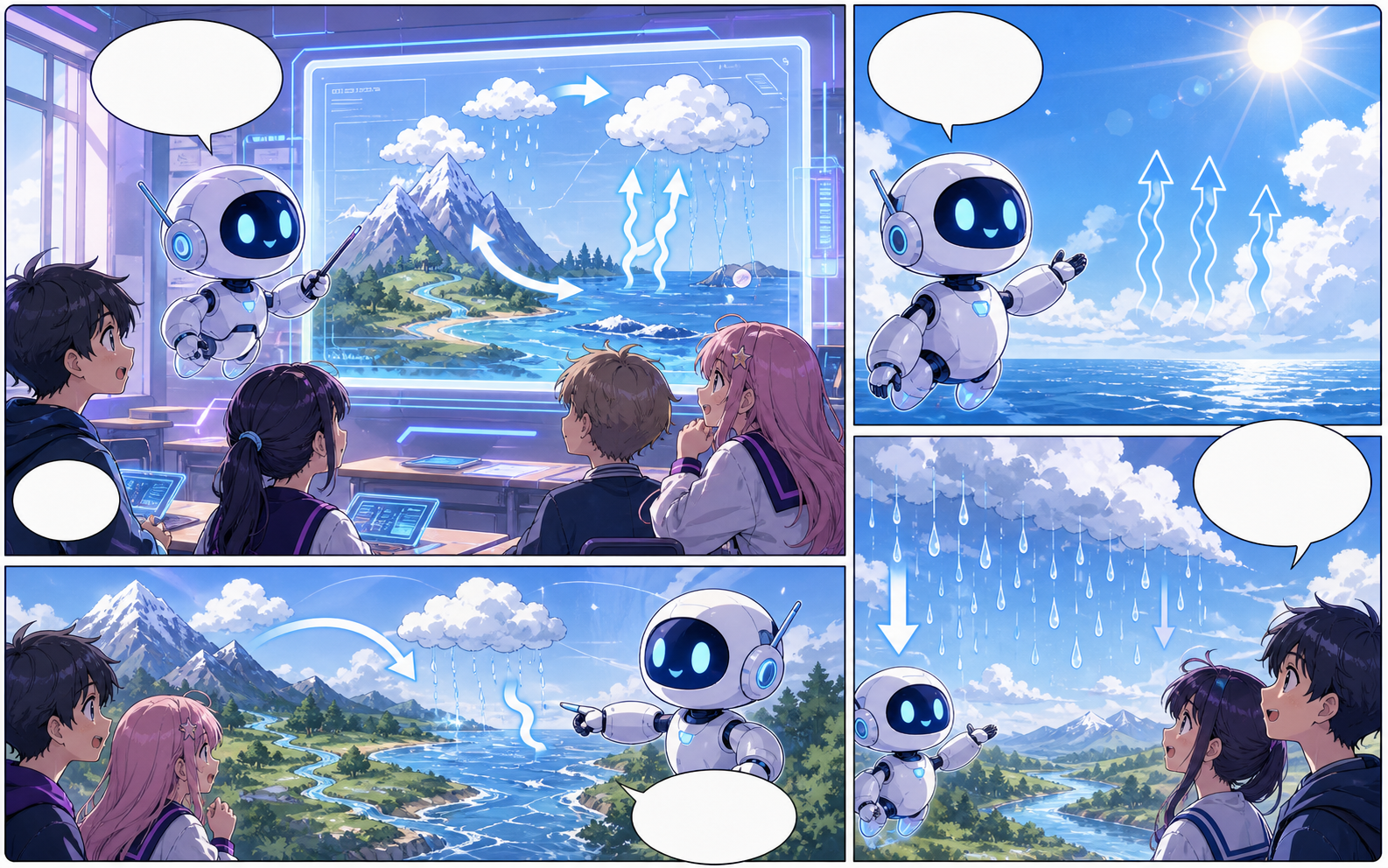
What this draft does not do
- Image generation does not place reliable dialogue. Add and position speech bubbles in Studio after the panels are ready.
- Long plots produce vague pages. Work one scene or page at a time and repeat concrete character details.
परिभाषा
comic maker app क्या है?
comic maker app Comics Maker की प्रक्रिया है जो कहानी के विचार को किरदार दिशा, पैनल संरचना, कैप्शन और संपादन योग्य कॉमिक मसौदे में बदलती है।
संक्षिप्त उत्तर
यह प्रक्रिया कब उपयोग करें।
comic maker app तब उपयोग करें जब आपको जल्दी reviewable और editable comic draft चाहिए।
असली कॉमिक बनाने के काम के लिए बनाया गया।
Creators, educators और teams के लिए जो final art से पहले comic draft review करना चाहते हैं।
01
Use comic maker app to plan the story before generating final panels.
02
Keep character notes, scene direction, captions, and layout choices together.
03
Continue editing the draft after generation so the page stays useful for review.
रचनाकार यहां क्या बना सकते हैं।
सबसे करीब प्रोजेक्ट प्रकार चुनें, फिर Studio खोलें और मसौदे के लक्ष्य को साफ रखें।
आप क्या draft कर सकते हैं।
ये समीक्षा, साझा करने और आगे संपादन के लिए व्यावहारिक शुरुआती बिंदु हैं।
Studio में जाने का छोटा रास्ता।
सबसे छोटे उपयोगी step से शुरू करें, फिर editor में draft refine करें।
कॉमिक बनाने के और पेज.
संबंधित प्रक्रिया
AI comic maker
AI comic maker: Comics Maker में कहानी, किरदार नोट्स, पैनल लेआउट, स्पीच बबल और export-ready comic draft बनाएं।
पेज खोलें
संबंधित प्रक्रिया
free comic maker
free comic maker: Comics Maker में कहानी, किरदार नोट्स, पैनल लेआउट, स्पीच बबल और export-ready comic draft बनाएं।
पेज खोलें
संबंधित प्रक्रिया
comic maker online
comic maker online: Comics Maker में कहानी, किरदार नोट्स, पैनल लेआउट, स्पीच बबल और export-ready comic draft बनाएं।
पेज खोलें
comic maker app से जुड़े सामान्य प्रश्न.
What can comic maker app create?
It can create comic draft structure, panel ideas, character direction, captions, and editable layouts.
Do I need drawing skills to use comic maker app?
No. You can start with text, then refine the comic draft in the editor.
Can I edit the result?
Yes. You can keep adjusting prompts, captions, bubbles, layout, and export settings after the first draft.
अपना अगला comic draft शुरू करें।
Studio खोलें, layout चुनें और idea को working comic draft में बदलें।
यह प्रक्रिया आजमाएं