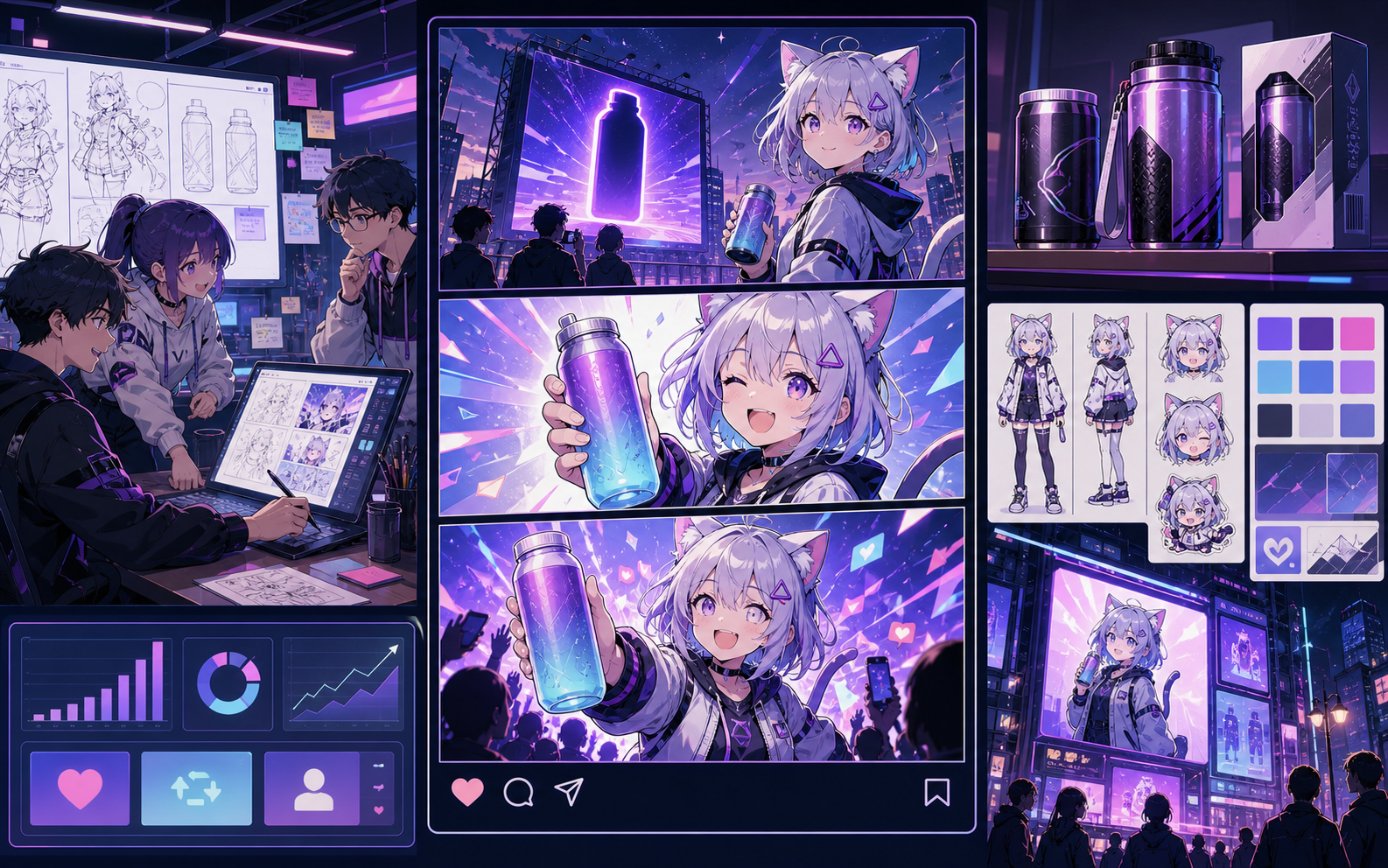
AI comic generator

AI comic generator for prompt-to-panel comic drafts.

Describe the scene, choose a comic style, and turn one idea into panel beats, generated art direction, captions, and a draft you can keep editing.

prompt-to-comic draft4-panel comic pageAI comic stripcaptioned story scene

prompt-to-comic draft

AI Comic Generator for Prompt-to-Panel Drafts

Draft
AI Comic Generator for Prompt-to-Panel Drafts
PANEL 1PANEL 2PANEL 3PANEL 4

Definition

What is AI comic generator?

An AI comic generator is a browser tool that turns a text prompt into comic panel structure, visual direction, captions, and draft artwork.

Short answer

When to use this workflow.

Use this workflow when you want AI to create the first comic draft from a prompt. Use the AI comic maker workflow when you need deeper editing, references, and project control.

Prompt to page

Generate comic panels from a single prompt.

Start with the story moment, character role, setting, and tone. The generator turns that input into panel beats and a visual draft you can review before spending time on polish.

Convert a short prompt into structured panel ideas.
Use comic, manga, noir, or cartoon style direction.
Review the draft before exporting or regenerating.
Prompt panel next to a generated comic page preview
Text to comic

Move from text to a readable comic draft.

Longer ideas work better when they become smaller beats. The workflow turns text into scenes, captions, and panel prompts before the artwork is made.

Split a paragraph into action, dialogue, and caption moments.
Keep the prompt and output side by side for review.
Send strong beats into strip, page, or storyboard layouts.
Text-to-comic workflow with panel beat planning
Control after generation

Edit the generated comic instead of starting over.

A useful AI comic generator should give creators a path after the first output. Revise captions, adjust the panel plan, and keep the best direction for the next draft.

Reuse character and setting notes across drafts.
Refine captions after the image is generated.
Move strong panels into a larger comic project.
Comic project board with editable generated scenes
Best fit

Built around a real comic-making task.

Creators who want the generator to create the first comic draft quickly, then refine the story, layout, captions, and visual direction inside Studio.

01

Best for quickly turning a raw story idea into a first comic draft.

02

Turns a rough prompt into panel structure before final art is generated.

03

Keeps editing visible so users understand the page is about usable comic output, not only image inspiration.

Use cases

What creators can make here.

Pick the closest project type, then open Studio with a clearer idea of the draft you want to make.

story idea tests
social comic drafts
lesson explainers
product storyboards
Formats

What you can draft.

These are practical starting points for review, sharing, and continued editing.

prompt-to-comic draft
4-panel comic page
AI comic strip
captioned story scene
Workflow

A short path into Studio.

Start with the smallest useful step, then refine the draft inside the editor.

1Describe the comic idea
2Pick style and format
3Generate the first draft
4Edit captions and export
Prompt examples

Start with these AI comic generator prompts.

Use these as starting points, then swap in your own characters, setting, and tone.

Fast story scene

Generate a 4-panel comic about a delivery robot trying to find the right apartment in a rainy city.

Output: Prompt-to-panel comic draft with captions and a clear ending.

Lesson explainer

Create a short comic that explains why magnets attract some metals, with a curious student and a helpful teacher.

Output: Classroom comic page with simple panel beats.

Product storyboard

Make an AI comic draft where a founder discovers a faster way to plan social posts for a small team.

Output: Marketing storyboard with a problem, turn, and result.

Capabilities

Tools that help the draft become usable.

Prompt-to-panel workflow

Turn one idea into a panel plan before choosing which draft to refine.

Editable captions

Keep generated copy reviewable so the final comic reads naturally.

Reusable project context

Carry characters, settings, and style notes into later comic scenes.

Related workflows

Keep building with the right next tool.

Related resources

More comic creation pages.

FAQ

Common AI comic generator questions.

What is an AI comic generator?

An AI comic generator turns a written prompt into comic panel structure, visual direction, captions, and draft artwork. It helps users make a first comic draft without drawing every scene from scratch.

How does an AI comic generator work?

You describe the story, characters, style, and format. The tool turns that input into panel beats and draft visuals, then gives you room to edit captions, layout direction, and project notes.

Is this different from an AI comic maker?

Yes. The generator page focuses on producing the first draft from a prompt. The maker page covers the broader workspace for editing, references, recurring projects, and repeat comic creation.

Can I use it as a free AI comic generator?

You can test the workflow with starter credits. Larger projects, private work, and higher generation volume may require a paid plan.

Can the AI comic generator make comics from text?

Yes. It can start from a sentence, paragraph, lesson note, or short script. Clear input usually creates better panel pacing than a vague prompt.

Can I edit the generated comic?

Yes. The page routes users into a Studio workflow where captions, prompts, style direction, and project context can be refined after generation.

What comic styles can I try?

You can direct the draft toward manga, western comic, noir, newspaper strip, cartoon, or brand-safe visual styles. Results still need review before publication.

Who should use this page?

Use it when you want a fast comic draft for a story idea, lesson, social post, product storyboard, or creator concept and do not want to start from a blank canvas.

Start your next comic draft.

Open the Studio, choose a layout, and turn the idea into a working comic draft.

Try this workflow