
comic maker online для редактируемых черновиков комиксов.
Превратите идею в сюжетные шаги, описание персонажей, панели, подписи и настройки экспорта.
Start on this page
Browser comic project
Describe one page at a time. The result remains on this page and can be downloaded panel by panel.
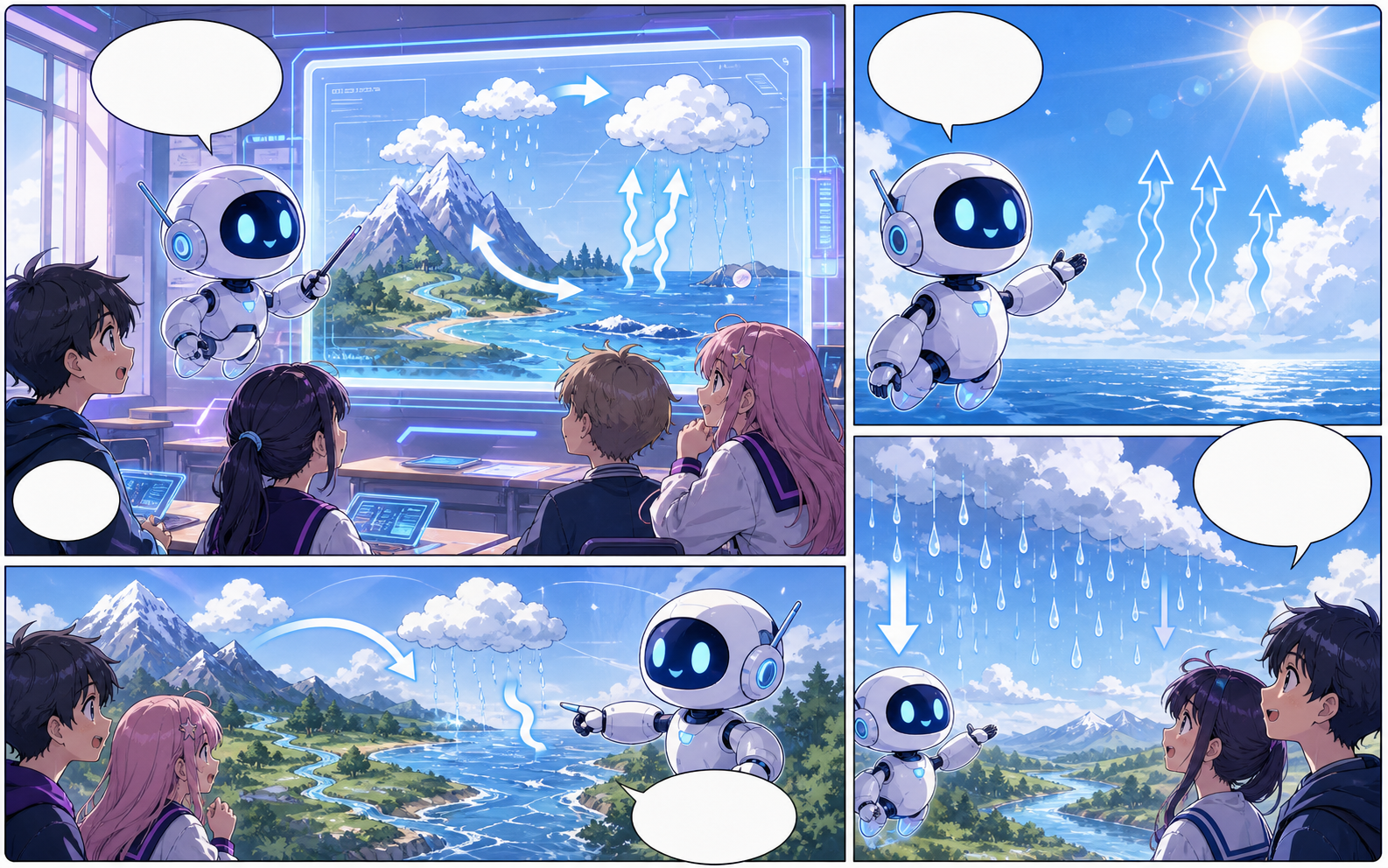
What this draft does not do
- Image generation does not place reliable dialogue. Add and position speech bubbles in Studio after the panels are ready.
- Long plots produce vague pages. Work one scene or page at a time and repeat concrete character details.
Определение
Что такое comic maker online?
comic maker online — это рабочий процесс Comics Maker для превращения идеи в структуру, панели, текст и редактируемый черновик.
Краткий ответ
Когда использовать этот процесс.
Используйте comic maker online, когда нужен быстрый редактируемый черновик комикса для проверки.
Создано для реальной задачи по созданию комикса.
Для авторов, преподавателей и команд, которым нужен черновик комикса для проверки до финальной графики.
01
Use comic maker online to plan the story before generating final panels.
02
Keep character notes, scene direction, captions, and layout choices together.
03
Continue editing the draft after generation so the page stays useful for review.
Что авторы могут сделать здесь.
Выберите самый близкий тип проекта и откройте Studio с более понятной целью для черновика.
Что можно подготовить.
Это практичные отправные точки для проверки, публикации и дальнейшего редактирования.
Короткий путь в Studio.
Начните с минимального полезного шага, затем доработайте черновик в редакторе.
Больше страниц для создания комиксов.
Связанный процесс
AI comic maker
AI comic maker: создавайте черновики комиксов в Comics Maker со сценарием, персонажами, панелями, репликами и экспортом.
Открыть страницу
Связанный процесс
free comic maker
free comic maker: создавайте черновики комиксов в Comics Maker со сценарием, персонажами, панелями, репликами и экспортом.
Открыть страницу
Связанный процесс
comic maker app
comic maker app: создавайте черновики комиксов в Comics Maker со сценарием, персонажами, панелями, репликами и экспортом.
Открыть страницу
Частые вопросы о comic maker online.
What can comic maker online create?
It can create comic draft structure, panel ideas, character direction, captions, and editable layouts.
Do I need drawing skills to use comic maker online?
No. You can start with text, then refine the comic draft in the editor.
Can I edit the result?
Yes. You can keep adjusting prompts, captions, bubbles, layout, and export settings after the first draft.
Начните следующий черновик комикса.
Откройте Studio, выберите макет и превратите идею в рабочий черновик комикса.
Попробовать этот процесс