
pembuat komik sprite
Jelaskan adegan pendek dengan penataan sederhana dan warna terbatas. Rencanakan tiga panel terinspirasi sprite.
Mulai dari satu adegan
pembuat komik sprite
Jelaskan adegan pendek dengan penataan sederhana dan warna terbatas. Rencanakan tiga panel terinspirasi sprite.
Perkiraan biaya: 6 kredit
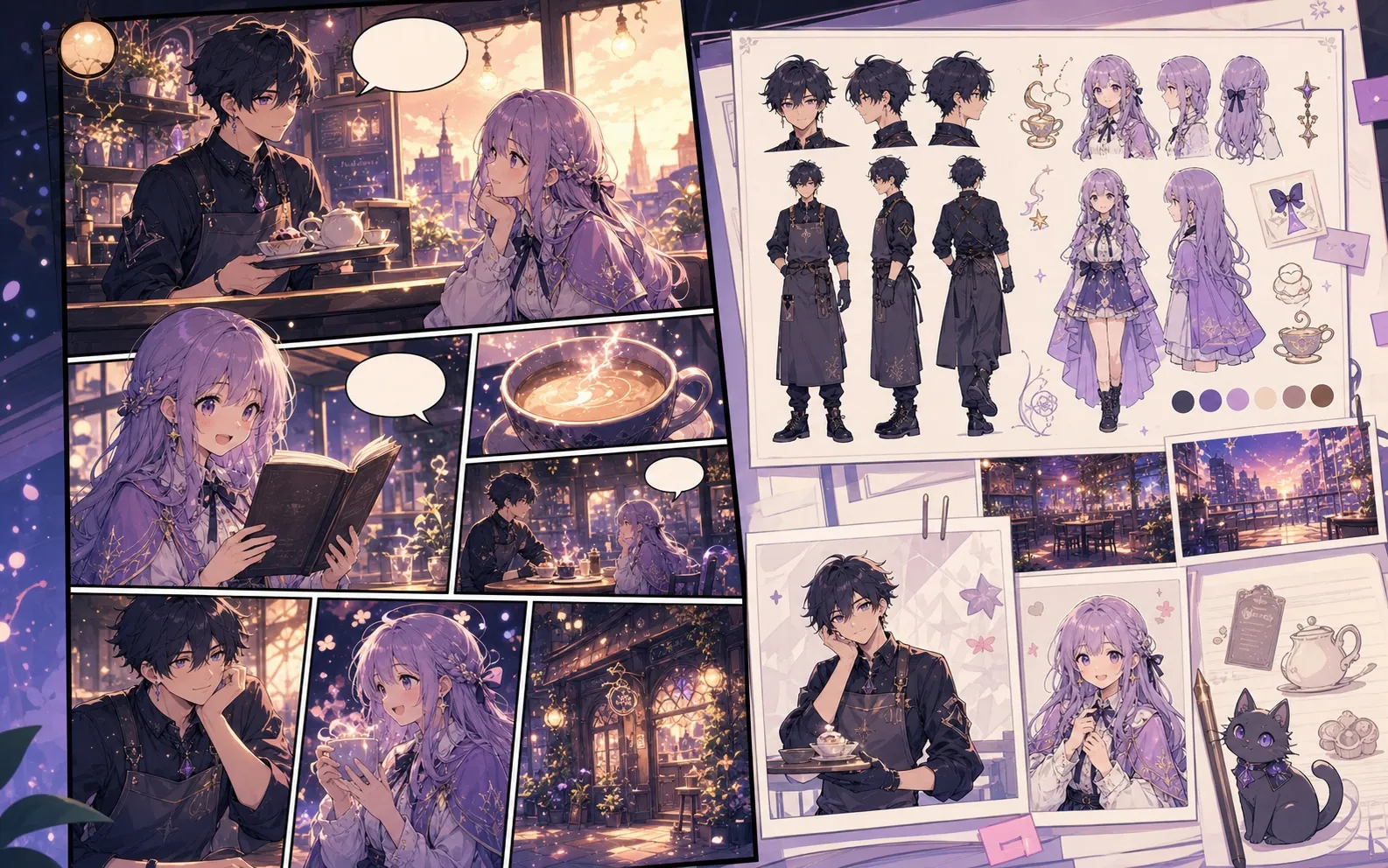
Batasan draf ini
- Model tidak menjamin kisi piksel tepat, frame berulang, tile transparan, atau aset siap pakai untuk game.
Dibuat untuk tugas pembuatan komik yang nyata.
Gunakan gambar sebagai konsep retro, lalu rapikan piksel dan huruf dalam editor khusus.
01
Model tidak menjamin kisi piksel tepat, frame berulang, tile transparan, atau aset siap pakai untuk game.
Halaman lain untuk membuat komik.
Alur terkait
pembuat komik AI
Mulai dari satu adegan, sebutkan tokoh dan perubahan. Periksa rencana empat panel sebelum memakai kredit gambar.
Buka halaman
Alur terkait
pembuat komik gratis
Rencanakan adegan pendek gratis di peramban. Uji awal membuat satu panel: dua kredit sambutan cukup untuk satu gambar pada harga standar.
Buka halaman
Alur terkait
pembuat komik online
Tulis adegan di peramban, periksa empat ketukan, dan buat gambar di halaman ini.
Buka halaman
Pertanyaan umum tentang pembuat komik sprite.
Apa yang bisa dibuat?
Gunakan gambar sebagai konsep retro, lalu rapikan piksel dan huruf dalam editor khusus.
Apa batasannya?
Model tidak menjamin kisi piksel tepat, frame berulang, tile transparan, atau aset siap pakai untuk game.
Mulai draf komik berikutnya.
Buka Studio, pilih tata letak, dan ubah ide menjadi draf komik yang siap dikerjakan.
Coba alur ini