
sprite comic maker para rascunhos de quadrinhos editáveis.
Transforme uma ideia em ritmo narrativo, direção de personagens, painéis, legendas e opções de exportação.
Start on this page
Sprite-comic scene
Describe simple staging, a limited color direction, and one action per panel. Final pixel cleanup still requires a pixel editor.
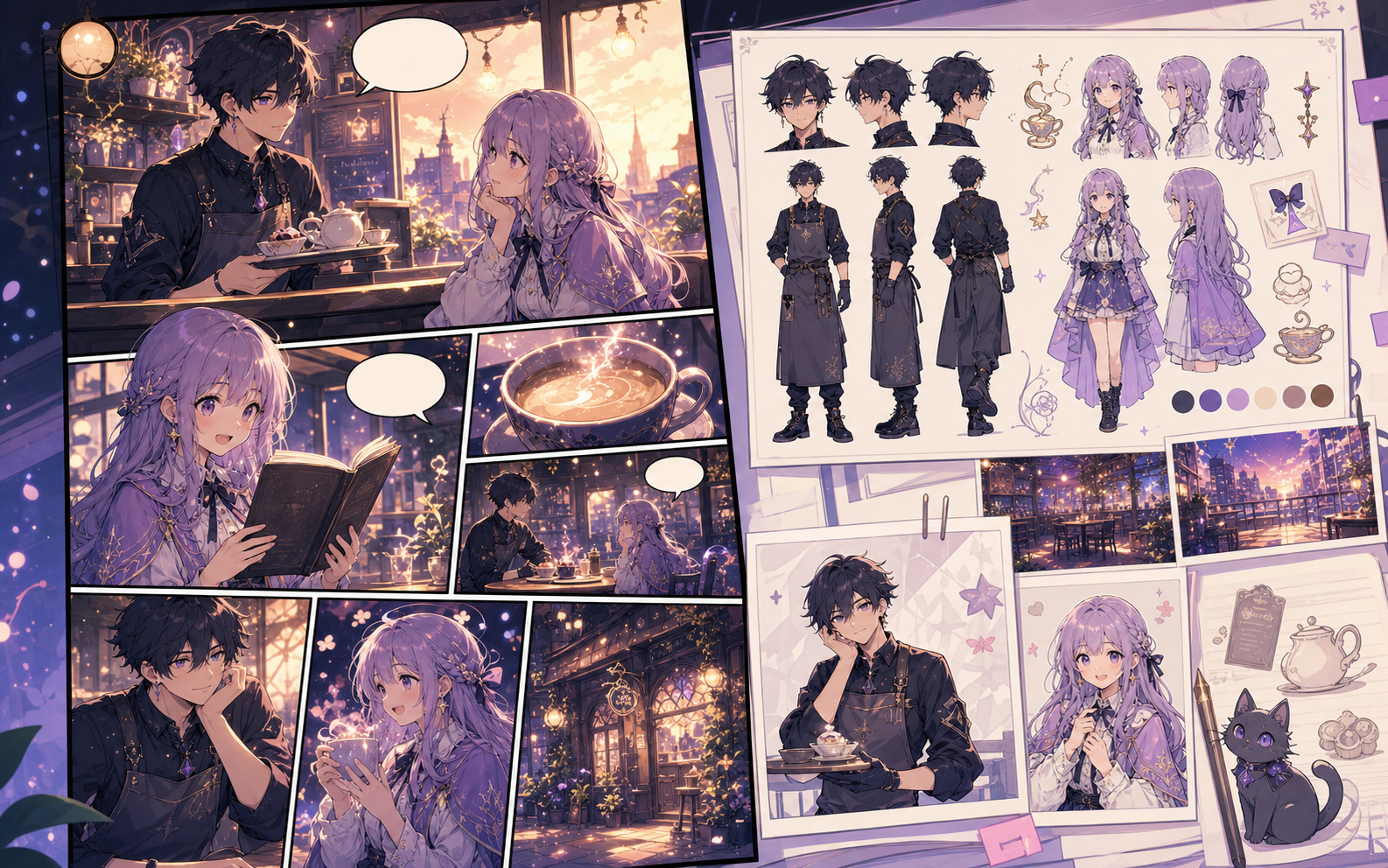
What this draft does not do
- The image model creates a sprite-inspired concept; it does not guarantee a game-ready pixel grid.
- Use a pixel editor for palette locking, tile alignment, and production sprite sheets.
Definição
O que é sprite comic maker?
sprite comic maker é um fluxo do Comics Maker para transformar uma ideia em estrutura, painéis, textos e um rascunho editável.
Resposta curta
Quando usar este fluxo.
Use sprite comic maker quando precisar de um rascunho de quadrinho rápido, revisável e editável.
Criado para uma tarefa real de criação de quadrinhos.
Para criadores, professores e equipes que precisam revisar um rascunho de quadrinho antes da arte final.
01
Use sprite comic maker to plan the story before generating final panels.
02
Keep character notes, scene direction, captions, and layout choices together.
03
Continue editing the draft after generation so the page stays useful for review.
O que criadores podem fazer aqui.
Escolha o tipo de projeto mais próximo e abra o Studio com uma ideia mais clara do rascunho que deseja criar.
O que você pode rascunhar.
São pontos de partida práticos para revisar, compartilhar e continuar editando.
Um caminho curto até o Studio.
Comece pelo menor passo útil e depois refine o rascunho no editor.
Mais páginas para criar quadrinhos.
Fluxo relacionado
AI comic maker
AI comic maker: crie rascunhos de quadrinhos no Comics Maker com história, personagens, painéis, balões de fala e edição pronta para exportar.
Abrir página
Fluxo relacionado
free comic maker
free comic maker: crie rascunhos de quadrinhos no Comics Maker com história, personagens, painéis, balões de fala e edição pronta para exportar.
Abrir página
Fluxo relacionado
comic maker online
comic maker online: crie rascunhos de quadrinhos no Comics Maker com história, personagens, painéis, balões de fala e edição pronta para exportar.
Abrir página
Perguntas frequentes sobre sprite comic maker.
What can sprite comic maker create?
It can create comic draft structure, panel ideas, character direction, captions, and editable layouts.
Do I need drawing skills to use sprite comic maker?
No. You can start with text, then refine the comic draft in the editor.
Can I edit the result?
Yes. You can keep adjusting prompts, captions, bubbles, layout, and export settings after the first draft.
Comece seu próximo rascunho de quadrinho.
Abra o Studio, escolha um layout e transforme a ideia em um rascunho de quadrinho funcional.
Testar este fluxo