
sprite comic maker para borradores de cómic editables.
Pasa de una idea a un borrador con ritmo narrativo, dirección de personajes, paneles, textos y opciones de exportación.
Start on this page
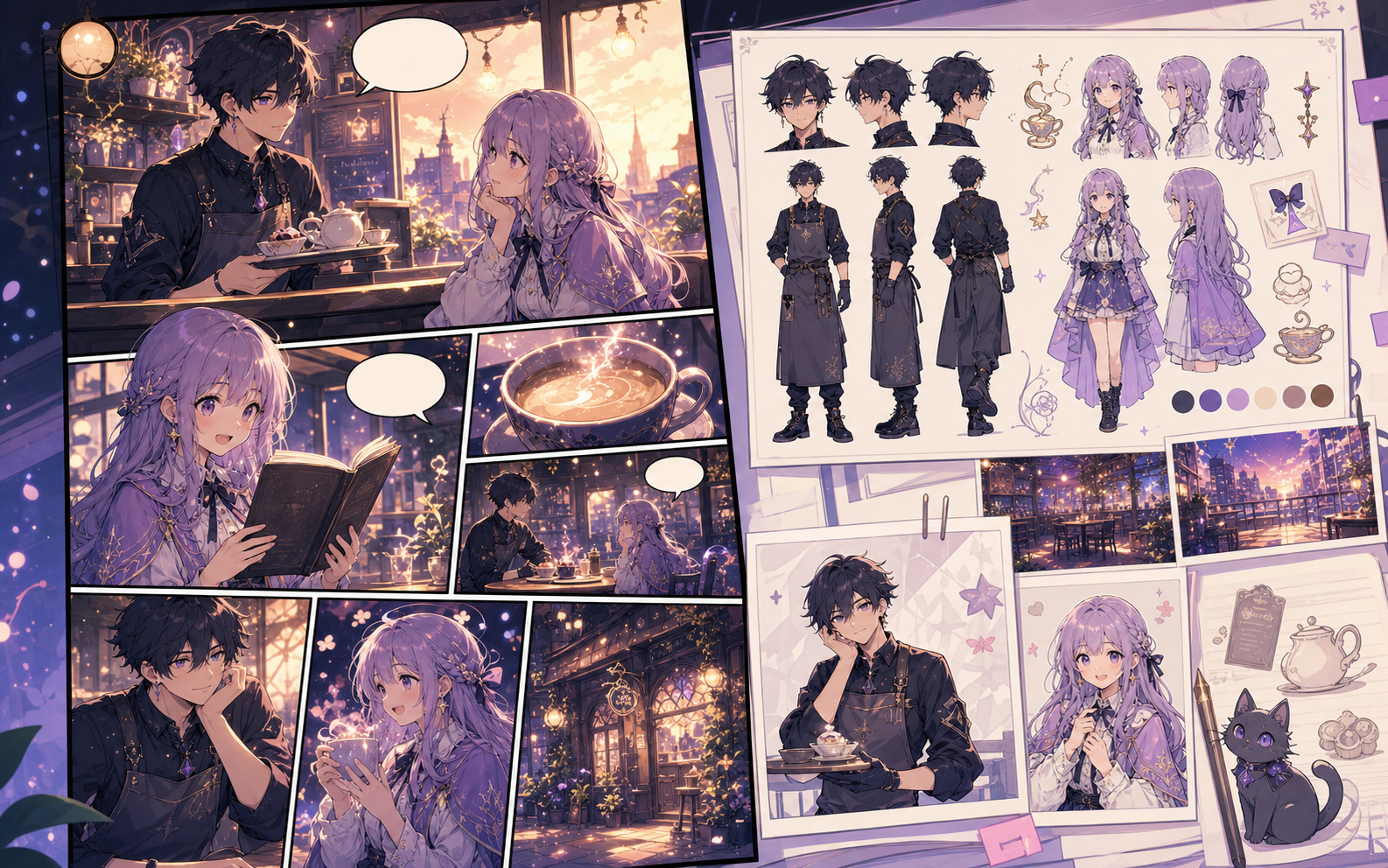
Sprite-comic scene
Describe simple staging, a limited color direction, and one action per panel. Final pixel cleanup still requires a pixel editor.
What this draft does not do
- The image model creates a sprite-inspired concept; it does not guarantee a game-ready pixel grid.
- Use a pixel editor for palette locking, tile alignment, and production sprite sheets.
Definición
¿Qué es sprite comic maker?
sprite comic maker es un flujo de Comics Maker para convertir una idea en estructura, paneles, textos y un borrador editable.
Respuesta breve
Cuándo usar este flujo.
Usa sprite comic maker cuando necesites un borrador de cómic rápido, revisable y editable.
Pensado para una tarea real de creación de cómics.
Para creadores, docentes y equipos que necesitan validar una historia de cómic antes de pulir el arte final.
01
Use sprite comic maker to plan the story before generating final panels.
02
Keep character notes, scene direction, captions, and layout choices together.
03
Continue editing the draft after generation so the page stays useful for review.
Qué pueden crear los autores aquí.
Elige el tipo de proyecto más cercano y abre Studio con una idea más clara del borrador que quieres crear.
Qué puedes bocetar.
Son puntos de partida prácticos para revisar, compartir y seguir editando.
Un camino corto hacia Studio.
Empieza con el paso útil más pequeño y luego perfecciona el borrador en el editor.
Más páginas para crear cómics.
Flujo relacionado
AI comic maker
AI comic maker: crea borradores de cómic en Comics Maker con historia, personajes, paneles, globos de diálogo y edición lista para exportar.
Abrir página
Flujo relacionado
free comic maker
free comic maker: crea borradores de cómic en Comics Maker con historia, personajes, paneles, globos de diálogo y edición lista para exportar.
Abrir página
Flujo relacionado
comic maker online
comic maker online: crea borradores de cómic en Comics Maker con historia, personajes, paneles, globos de diálogo y edición lista para exportar.
Abrir página
Preguntas frecuentes sobre sprite comic maker.
What can sprite comic maker create?
It can create comic draft structure, panel ideas, character direction, captions, and editable layouts.
Do I need drawing skills to use sprite comic maker?
No. You can start with text, then refine the comic draft in the editor.
Can I edit the result?
Yes. You can keep adjusting prompts, captions, bubbles, layout, and export settings after the first draft.
Empieza tu próximo borrador de cómic.
Abre Studio, elige un diseño y convierte la idea en un borrador de cómic funcional.
Probar este flujo