
comic maker onlineで編集しやすいコミック草稿を作成。
アイデアからストーリービート、キャラクター指示、パネル生成、キャプション、書き出しまでを一つの制作フローで進められます。
Start on this page
Browser comic project
Describe one page at a time. The result remains on this page and can be downloaded panel by panel.
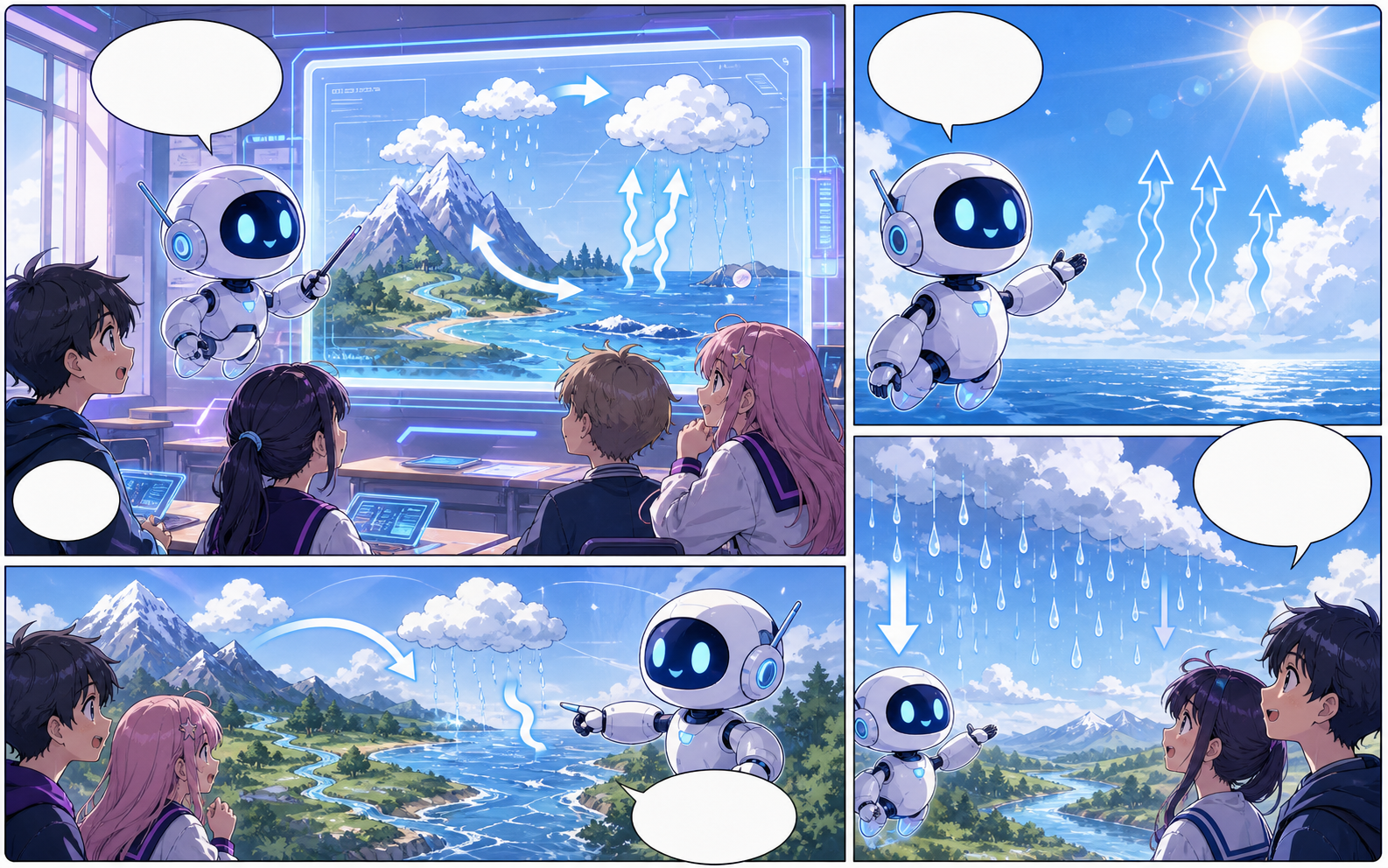
What this draft does not do
- Image generation does not place reliable dialogue. Add and position speech bubbles in Studio after the panels are ready.
- Long plots produce vague pages. Work one scene or page at a time and repeat concrete character details.
定義
comic maker onlineとは?
comic maker onlineは、ストーリー案をキャラクター指示、パネル構成、セリフ、編集可能なコミック草稿に変えるComics Makerの制作フローです。
短い答え
このワークフローを使うタイミング。
comic maker onlineは、公開前に確認と編集ができる漫画草稿をすばやく作りたいときに使います。
実際の漫画制作タスクに合わせて設計。
最終作画の前に、構成、セリフ、ページの流れを確認したいクリエイター、教育者、マーケティングチームに向いています。
01
Use comic maker online to plan the story before generating final panels.
02
Keep character notes, scene direction, captions, and layout choices together.
03
Continue editing the draft after generation so the page stays useful for review.
ここで作れるもの。
近いプロジェクトタイプを選び、作りたい草稿を明確にして Studio を開けます。
下書きできる内容。
確認、共有、継続編集に使いやすい実用的な出発点です。
Studio へ進む短い導線。
最小限の有用なステップから始め、エディター内で草稿を整えます。
その他のコミック制作ページ。
関連ワークフロー
AI comic maker
AI comic maker: Comics Makerでストーリー、キャラクター、コマ割り、吹き出しを整理し、編集できるコミック草稿を作成します。
ページを開く
関連ワークフロー
free comic maker
free comic maker: Comics Makerでストーリー、キャラクター、コマ割り、吹き出しを整理し、編集できるコミック草稿を作成します。
ページを開く
関連ワークフロー
comic maker app
comic maker app: Comics Makerでストーリー、キャラクター、コマ割り、吹き出しを整理し、編集できるコミック草稿を作成します。
ページを開く
comic maker online のよくある質問。
comic maker onlineでは何を作れますか?
漫画の構成、パネル案、キャラクター方向、セリフ、編集可能なレイアウトを作れます。
絵が描けなくても使えますか?
はい。文章から始めて、エディターで画面、セリフ、レイアウトを調整できます。
生成後に修正できますか?
できます。プロンプト、キャプション、吹き出し、レイアウト、書き出し設定を後から調整できます。