
sprite comic maker для редагованих чернеток коміксів.
Перетворіть ідею на сюжетні кроки, напрям персонажів, панелі, підписи та налаштування експорту.
Start on this page
Sprite-comic scene
Describe simple staging, a limited color direction, and one action per panel. Final pixel cleanup still requires a pixel editor.
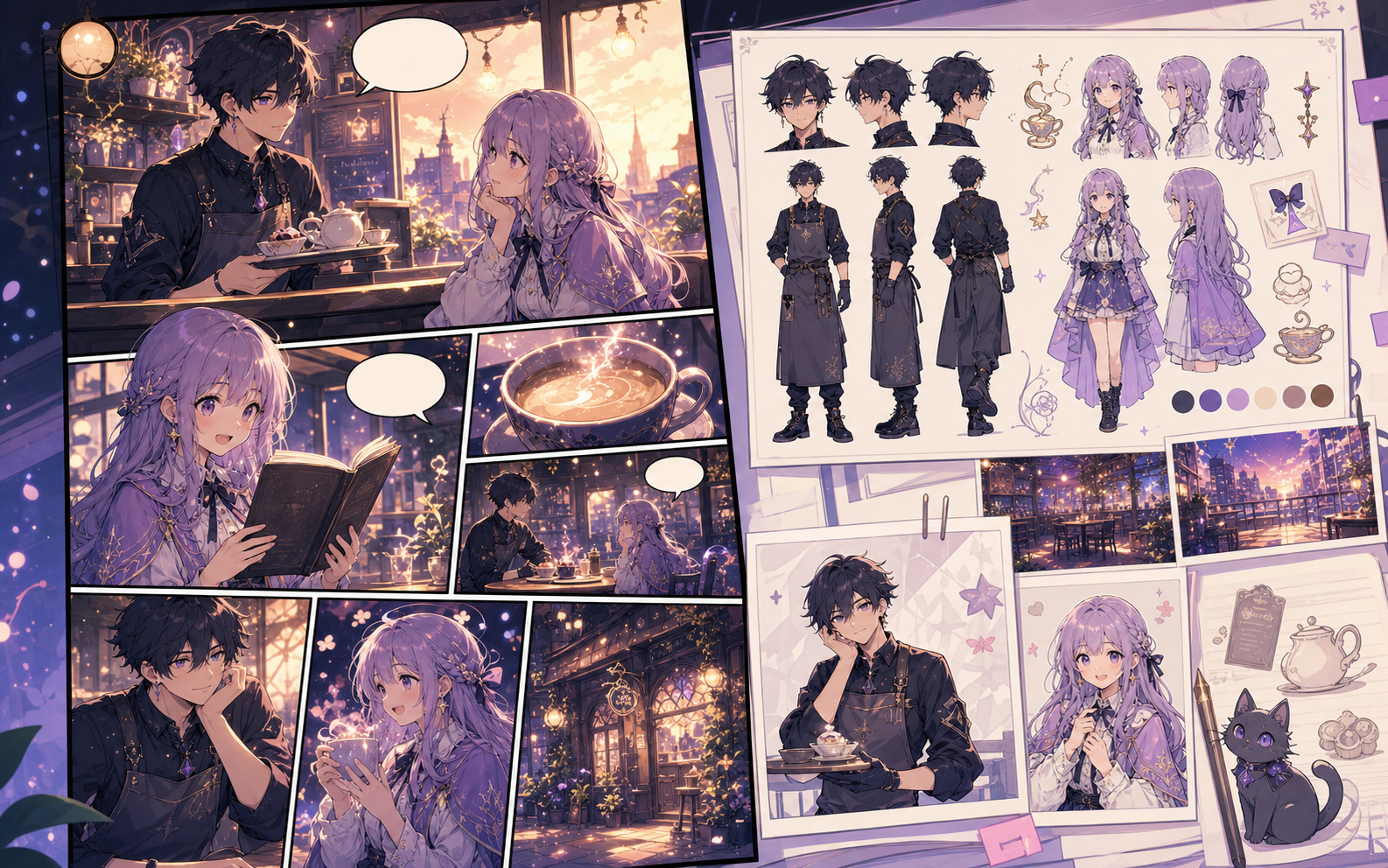
What this draft does not do
- The image model creates a sprite-inspired concept; it does not guarantee a game-ready pixel grid.
- Use a pixel editor for palette locking, tile alignment, and production sprite sheets.
Визначення
Що таке sprite comic maker?
sprite comic maker — це процес Comics Maker, який перетворює ідею на персонажів, панелі, текст і редаговану чернетку.
Коротка відповідь
Коли використовувати цей процес.
Використовуйте sprite comic maker, коли потрібна швидка редагована чернетка коміксу для перевірки.
Створено для реального завдання зі створення коміксу.
Для авторів, викладачів і команд, яким потрібна чернетка коміксу для перегляду перед фінальним оформленням.
01
Use sprite comic maker to plan the story before generating final panels.
02
Keep character notes, scene direction, captions, and layout choices together.
03
Continue editing the draft after generation so the page stays useful for review.
Що автори можуть зробити тут.
Виберіть найближчий тип проєкту й відкрийте Studio з чіткішою метою для чернетки.
Що можна підготувати.
Це практичні стартові точки для перевірки, поширення та подальшого редагування.
Короткий шлях до Studio.
Почніть із найменшого корисного кроку, а потім доопрацюйте чернетку в редакторі.
Більше сторінок для створення коміксів.
Пов'язаний процес
AI comic maker
AI comic maker: створюйте чернетки коміксів у Comics Maker зі сюжетом, персонажами, панелями, репліками та експортом.
Відкрити сторінку
Пов'язаний процес
free comic maker
free comic maker: створюйте чернетки коміксів у Comics Maker зі сюжетом, персонажами, панелями, репліками та експортом.
Відкрити сторінку
Пов'язаний процес
comic maker online
comic maker online: створюйте чернетки коміксів у Comics Maker зі сюжетом, персонажами, панелями, репліками та експортом.
Відкрити сторінку
Поширені запитання про sprite comic maker.
What can sprite comic maker create?
It can create comic draft structure, panel ideas, character direction, captions, and editable layouts.
Do I need drawing skills to use sprite comic maker?
No. You can start with text, then refine the comic draft in the editor.
Can I edit the result?
Yes. You can keep adjusting prompts, captions, bubbles, layout, and export settings after the first draft.
Почніть наступну чернетку коміксу.
Відкрийте Studio, виберіть макет і перетворіть ідею на робочу чернетку коміксу.
Спробувати цей процес