
comic maker app per bozze di fumetto modificabili.
Trasforma un'idea in ritmo narrativo, direzione dei personaggi, pannelli, testi e opzioni di esportazione.
Start on this page
Project scene
Write the next scene for the project. Save repeatable character details in the prompt before generating.
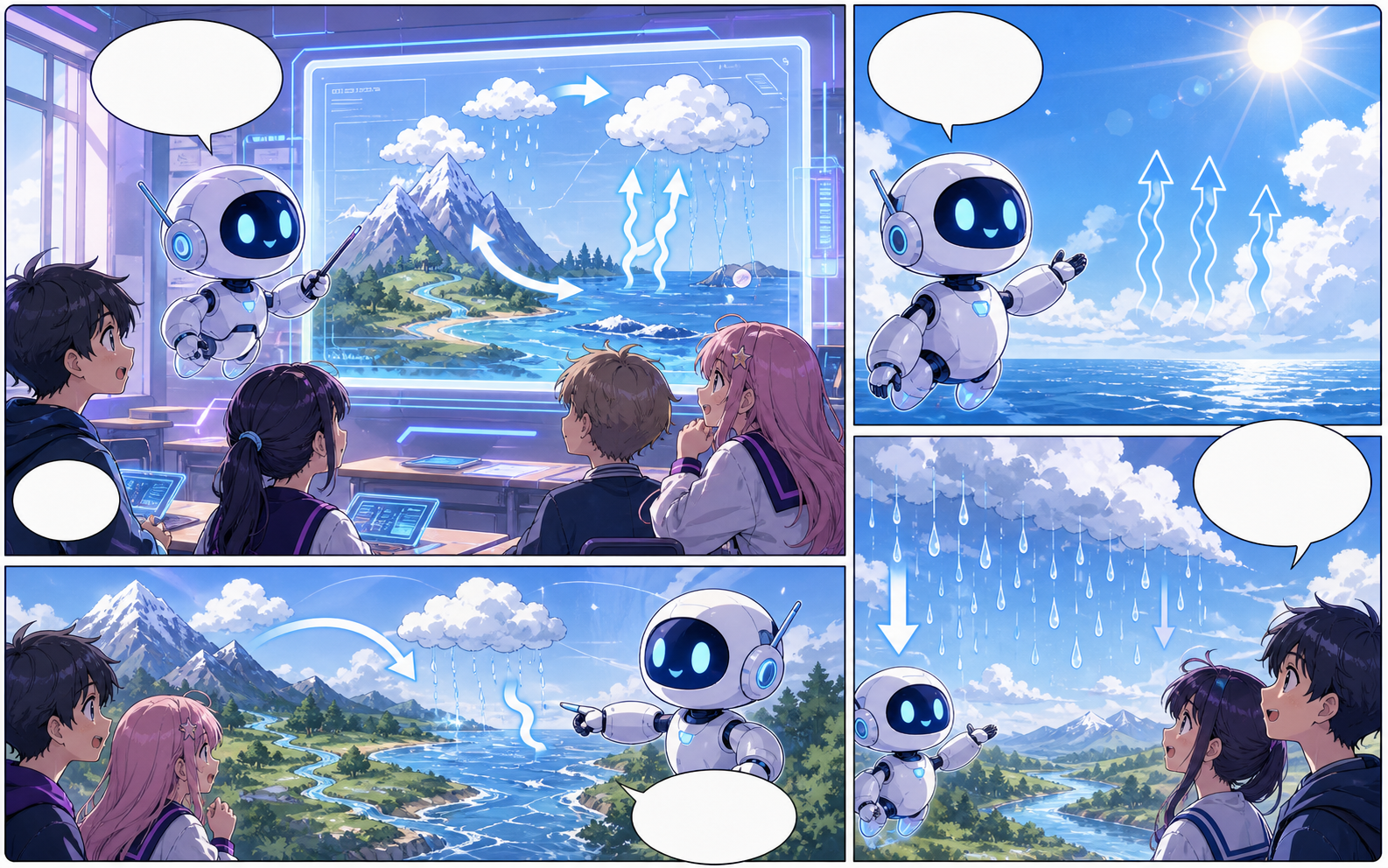
What this draft does not do
- Image generation does not place reliable dialogue. Add and position speech bubbles in Studio after the panels are ready.
- Long plots produce vague pages. Work one scene or page at a time and repeat concrete character details.
Definizione
Che cos'è comic maker app?
comic maker app è un flusso Comics Maker che trasforma un'idea in struttura, pannelli, testi e una bozza modificabile.
Risposta breve
Quando usare questo flusso.
Usa comic maker app quando ti serve una bozza di fumetto rapida, rivedibile e modificabile.
Pensato per un vero compito di creazione fumetto.
Per creator, docenti e team che devono rivedere una bozza di fumetto prima dell'arte finale.
01
Use comic maker app to plan the story before generating final panels.
02
Keep character notes, scene direction, captions, and layout choices together.
03
Continue editing the draft after generation so the page stays useful for review.
Cosa possono creare qui gli autori.
Scegli il tipo di progetto più vicino e apri Studio con un'idea più chiara della bozza da creare.
Cosa puoi abbozzare.
Sono punti di partenza pratici per revisione, condivisione e modifica successiva.
Un percorso breve verso Studio.
Inizia dal passaggio utile più piccolo, poi rifinisci la bozza nell'editor.
Altre pagine per creare fumetti.
Flusso correlato
AI comic maker
AI comic maker: crea bozze di fumetto in Comics Maker con storia, personaggi, pannelli, balloon e modifica pronta per l'esportazione.
Apri pagina
Flusso correlato
free comic maker
free comic maker: crea bozze di fumetto in Comics Maker con storia, personaggi, pannelli, balloon e modifica pronta per l'esportazione.
Apri pagina
Flusso correlato
comic maker online
comic maker online: crea bozze di fumetto in Comics Maker con storia, personaggi, pannelli, balloon e modifica pronta per l'esportazione.
Apri pagina
Domande frequenti su comic maker app.
What can comic maker app create?
It can create comic draft structure, panel ideas, character direction, captions, and editable layouts.
Do I need drawing skills to use comic maker app?
No. You can start with text, then refine the comic draft in the editor.
Can I edit the result?
Yes. You can keep adjusting prompts, captions, bubbles, layout, and export settings after the first draft.
Inizia la prossima bozza di fumetto.
Apri Studio, scegli un layout e trasforma l'idea in una bozza di fumetto lavorabile.
Prova questo flusso