
AI comic strip generator for quick 3-panel stories.
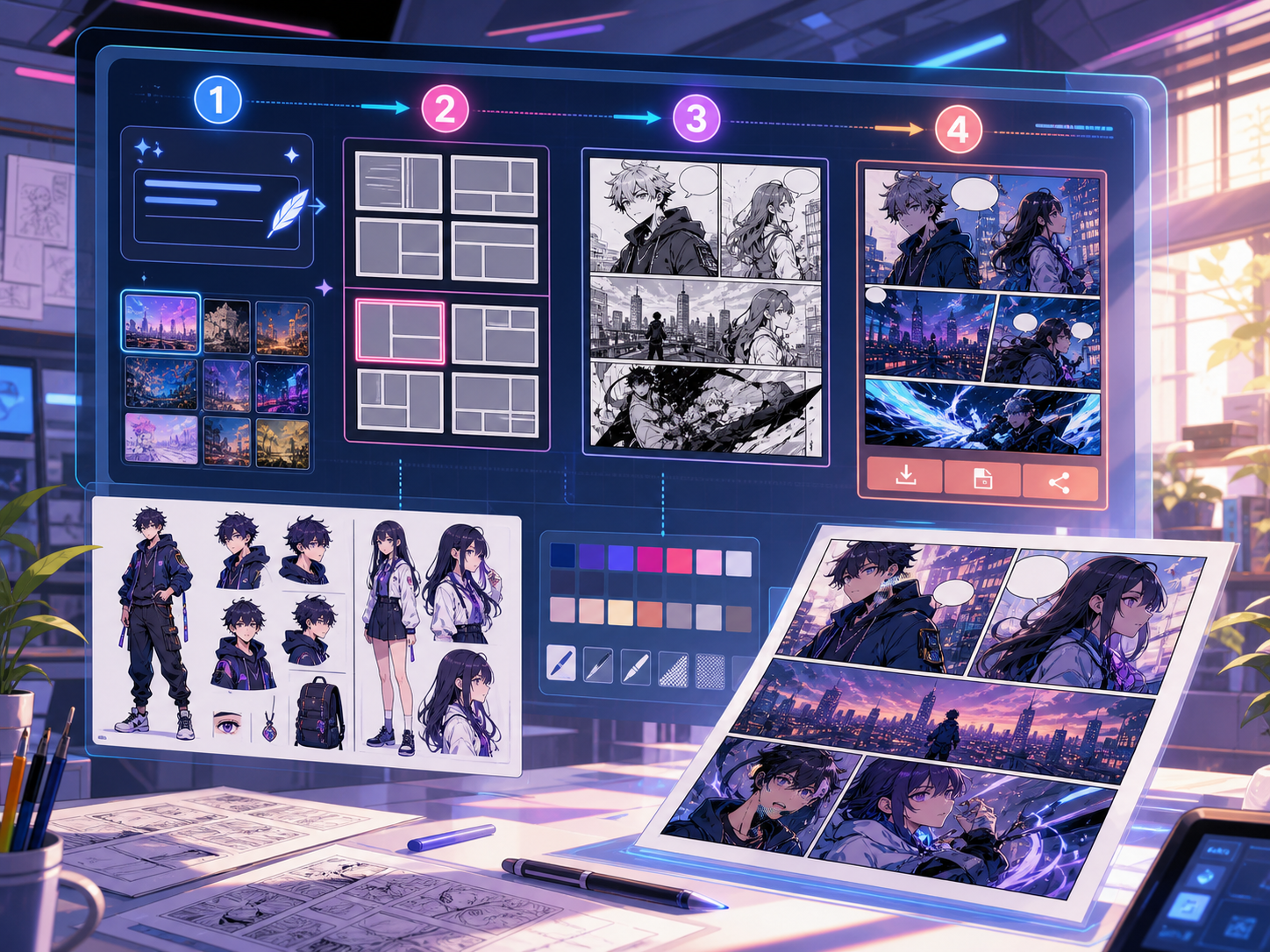
Describe the setup, turn, and payoff. Comics Maker builds a readable strip draft you can revise before exporting.
3-panel generated strip
Comic Strip Generator for Fast Panel Drafts
Definition
What is comic strip generator?
A comic strip generator creates a short sequence of comic panels from a prompt, usually a three-panel setup, turn, and payoff.
Short answer
When to use this workflow.
Use this workflow when the goal is a fast first strip draft. Use the comic strip maker workflow when layout control and manual shaping matter more.
Generate a short comic strip from one prompt.
Write the scene in plain language and let the generator split it into readable beats before the panel art is drafted.

Choose the strip shape that fits the channel.
Use a horizontal strip for blogs and newsletters, a compact sequence for social posts, or a 2x2 variation for lessons.

Built around a real comic-making task.
Creators who want a faster generation-first path for short comic strips, classroom jokes, social posts, and product explainers.
01
Generation-first flow for short strips and quick ideas.
02
Setup, turn, and payoff prompts keep the strip readable.
03
Works as a companion page to the layout-first comic strip maker.
What creators can make here.
Pick the closest project type, then open Studio with a clearer idea of the draft you want to make.
What you can draft.
These are practical starting points for review, sharing, and continued editing.
A short path into Studio.
Start with the smallest useful step, then refine the draft inside the editor.
Start with these comic strip generator prompts.
Use these as starting points, then swap in your own characters, setting, and tone.
Three-beat strip
Generate a 3-panel comic strip about a designer trying to explain a simple idea with too many sticky notes.
Output: Setup, turn, payoff panels with captions.
Lesson strip
Make a short comic strip that explains why plants need sunlight, with a clear ending line.
Output: Classroom-ready strip draft.
Tools that help the draft become usable.
Prompt-to-strip workflow
Move from one sentence to a strip draft without writing every panel manually.
Readable pacing
Keep the strip focused on a small story beat so each panel has a job.
Export-ready panels
Prepare drafts for posts, lessons, newsletters, and product walkthroughs.
Keep building with the right next tool.
More comic creation pages.
Related workflow
Comic Book Generator for AI Comic Pages
Create comic book pages online with an AI comic book generator for covers, page beats, character notes, panels, and export-ready drafts.
Open page
Related workflow
Comic Creator for Online Comic Projects
Use an online comic creator to plan scenes, build panel layouts, keep character notes, and create editable comic drafts with AI.
Open page
Related workflow
Graphic Novel Generator for Long-Form Comic Drafts
Use an AI graphic novel generator to plan chapters, recurring characters, page beats, and cinematic comic pages from one story idea.
Open page
Common comic strip generator questions.
What is a comic strip generator?
A comic strip generator turns a short idea into a sequence of comic panels. It is best for quick stories, jokes, explainers, and simple social posts.
How is this different from a comic strip maker?
The generator page focuses on creating the first draft from a prompt. The maker workflow focuses more on layout choices, editing, and shaping the strip after the draft exists.
Can I generate a three-panel strip?
Yes. Three-panel strips work well because they keep the idea simple: setup, turn, and payoff. You can revise captions after generation.
Can I make comic strips online free?
You can test the workflow with starter credits. Paid plans are better when you need higher volume, private projects, or cleaner production workflows.
What topics work best for generated strips?
Short lessons, product moments, creator updates, and simple story beats work best. Longer plots should move to a comic book or graphic novel workflow.
Start your next comic draft.
Open the Studio, choose a layout, and turn the idea into a working comic draft.
Try this workflow