
Online comic creator for scenes, panels, and repeat projects.
Write the idea, shape it into panels, save the visual direction, and keep each comic project organized from first prompt to export.
comic project draft
Comic Creator for Online Comic Projects
Definition
What is comic creator?
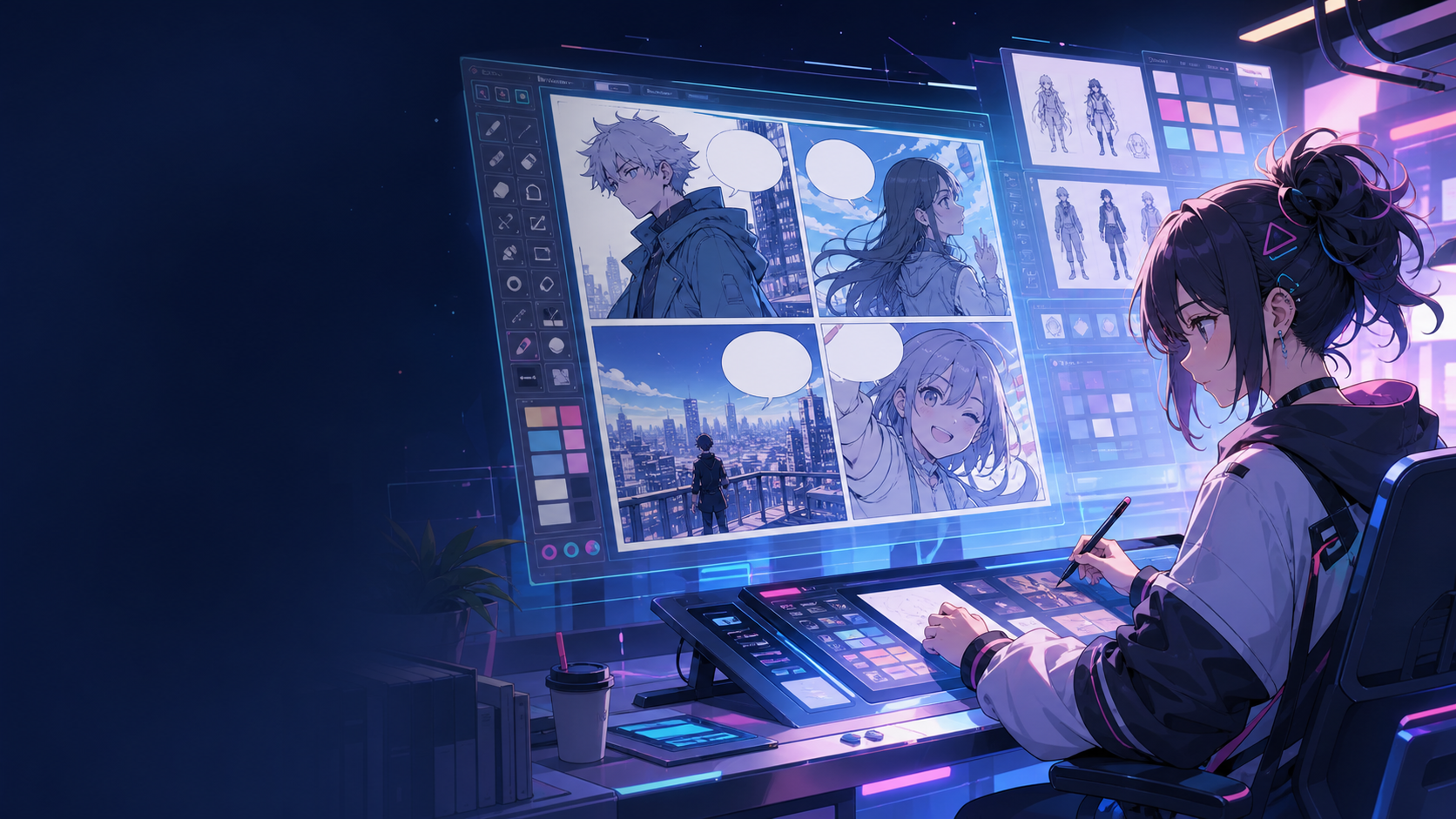
A comic creator is a workspace for turning ideas into comic panels, layouts, captions, and reusable project notes.
Short answer
When to use this workflow.
Use this workflow when a creator needs a repeatable workspace for panels, captions, references, revisions, and exports, not only a quick image output.
Build every comic around a saved project.
Keep prompts, layouts, references, and generated panels together so the next scene starts with useful context instead of a blank canvas.
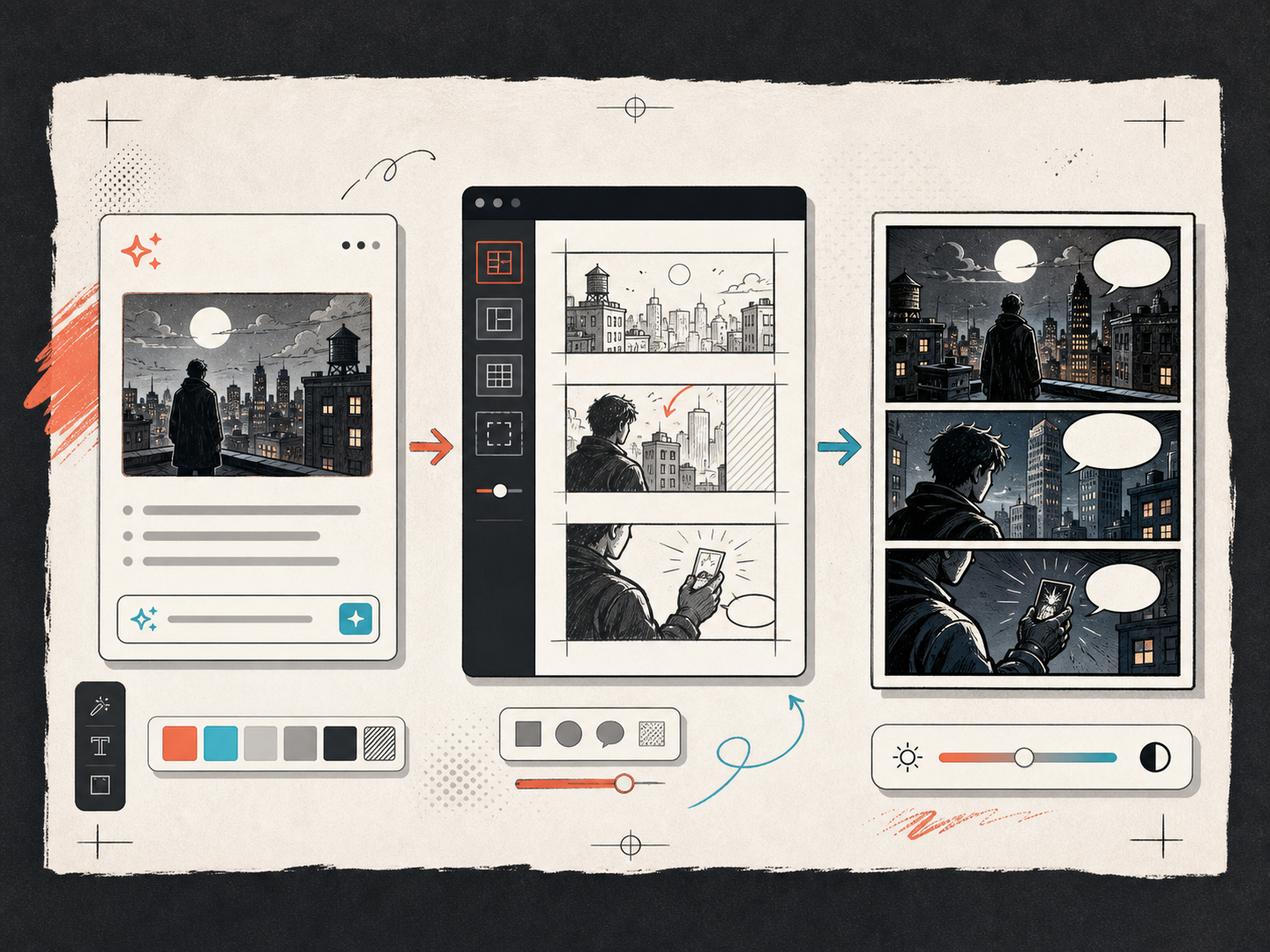
Create layouts before polishing the art.
The page planning flow keeps shot type, reading order, captions, and dialogue close to the visual output.
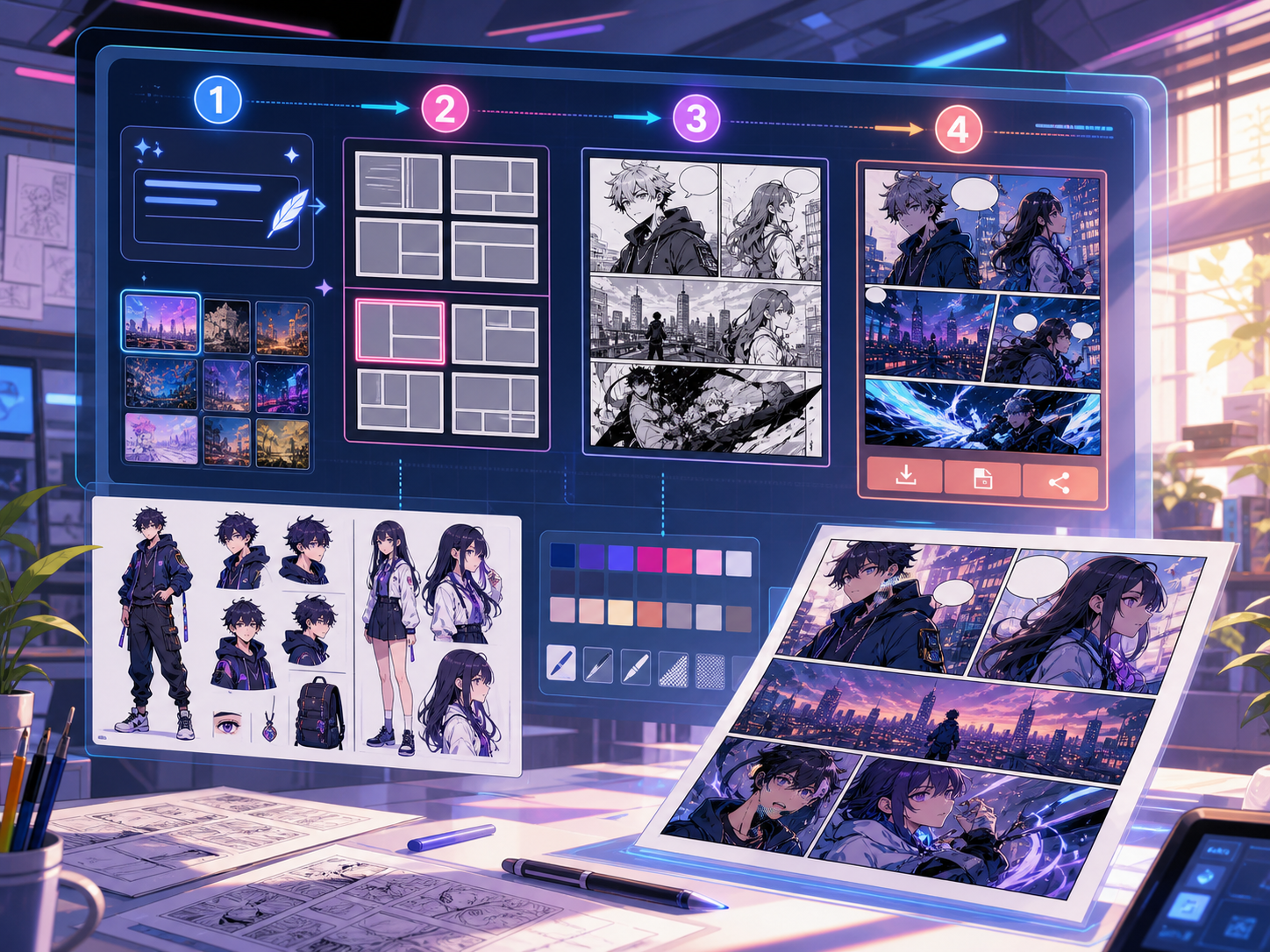
Built around a real comic-making task.
Creators, educators, and teams who need a comic creator workspace rather than a one-shot image generator.
01
A project-based comic creator flow for recurring work.
02
Layouts, references, prompts, and exports stay connected.
03
Useful for creator series, classrooms, and brand storytelling.
What creators can make here.
Pick the closest project type, then open Studio with a clearer idea of the draft you want to make.
What you can draft.
These are practical starting points for review, sharing, and continued editing.
A short path into Studio.
Start with the smallest useful step, then refine the draft inside the editor.
Start with these comic creator prompts.
Use these as starting points, then swap in your own characters, setting, and tone.
Creator episode
Create a 4-panel opening scene for a creator series about a courier discovering a hidden city route.
Output: Panel beats, captions, and draft art direction.
Education comic
Make a classroom comic explaining why thunder follows lightning, with simple dialogue and readable captions.
Output: 2x2 explainer page draft.
Tools that help the draft become usable.
Reusable project history
Return to prior drafts, character notes, and layout choices without rebuilding context.
Editable visual layouts
Treat generated panels as drafts that can be revised, reordered, and exported.
Creator-friendly prompts
Turn scene notes into clearer prompts for panels, captions, and visual style.
Keep building with the right next tool.
More comic creation pages.
Related workflow
Comic Book Generator for AI Comic Pages
Create comic book pages online with an AI comic book generator for covers, page beats, character notes, panels, and export-ready drafts.
Open page
Related workflow
Comic Strip Generator for Fast Panel Drafts
Generate comic strips online from a prompt with AI-assisted panel beats, captions, 3-panel layouts, and export-ready drafts.
Open page
Related workflow
Graphic Novel Generator for Long-Form Comic Drafts
Use an AI graphic novel generator to plan chapters, recurring characters, page beats, and cinematic comic pages from one story idea.
Open page
Common comic creator questions.
What does a comic creator do?
A comic creator helps you turn ideas into panels, captions, layout choices, and draft visuals. It gives you a workspace for making and revising comics online.
Is a comic creator the same as a comic generator?
Not exactly. A generator focuses on producing output from a prompt, while a creator workflow also helps with planning, project context, revisions, and exports.
Can I use it for classroom comics?
Yes. You can turn lesson ideas into short visual explanations with panels, captions, and a consistent style that students can follow.
Can I keep the same character across scenes?
Use character notes and reference images to guide repeat scenes. AI results still need review, but saved context helps keep the direction consistent.
Is the online comic creator free to try?
You can start with the free path and starter credits. Upgrade when you need more generation volume, private projects, or production exports.
Start your next comic draft.
Open the Studio, choose a layout, and turn the idea into a working comic draft.
Try this workflow