
comic strip generatorで編集しやすいコミック草稿を作成。
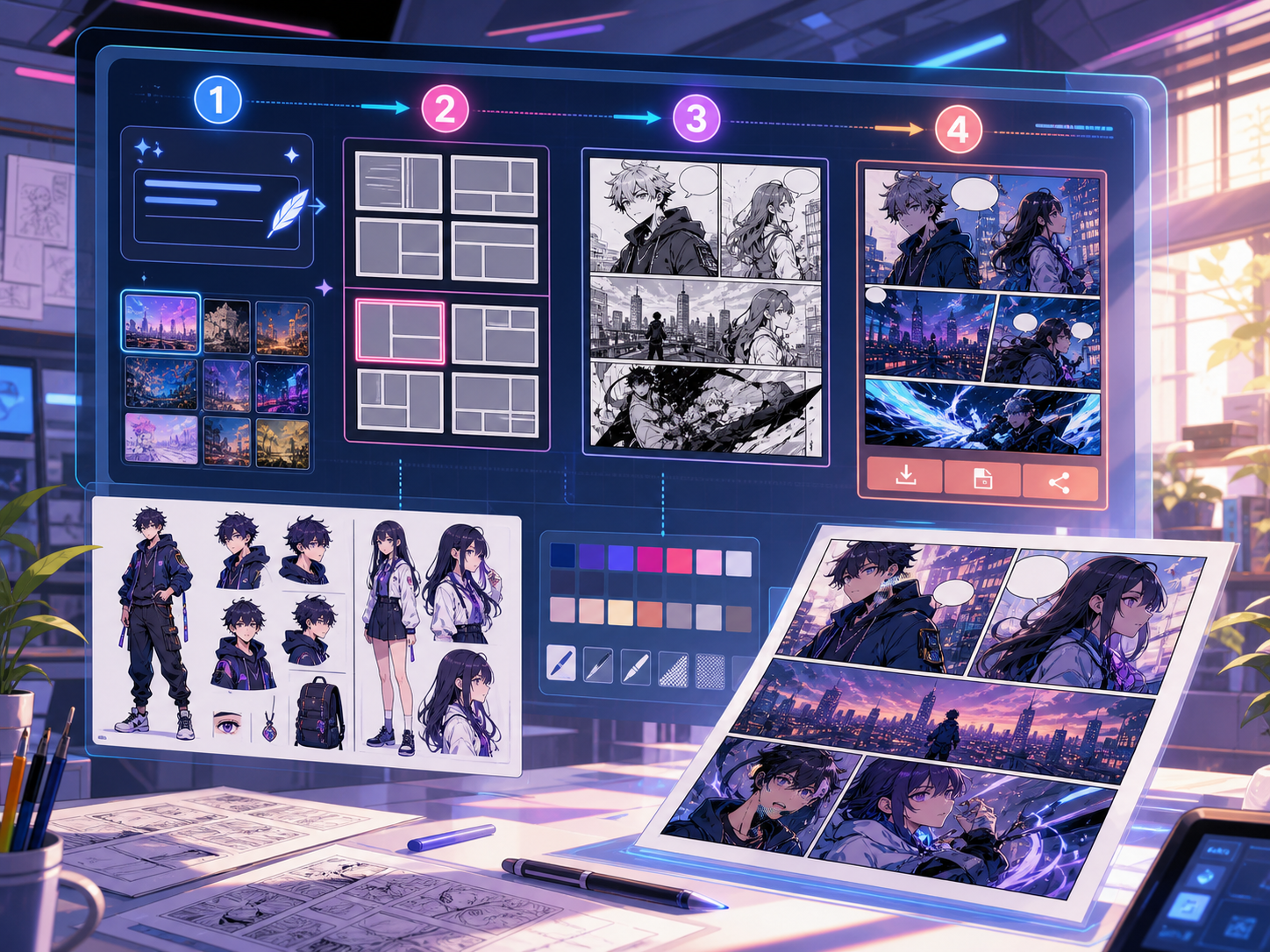
アイデアからストーリービート、キャラクター指示、パネル生成、キャプション、書き出しまでを一つの制作フローで進められます。
comic strip generator draft
comic strip generator
Definition
What is comic strip generator?
comic strip generatorは、ストーリー案をキャラクター指示、パネル構成、セリフ、編集可能なコミック草稿に変えるComics Makerの制作フローです。
Short answer
When to use this workflow.
comic strip generatorは、公開前に確認と編集ができる漫画草稿をすばやく作りたいときに使います。
Plan a draft with comic strip generator.
Start with a story goal, character notes, and a visual direction before generating panels.

Keep the comic direction consistent.
Keep recurring context visible so characters, settings, captions, and style choices stay coherent.
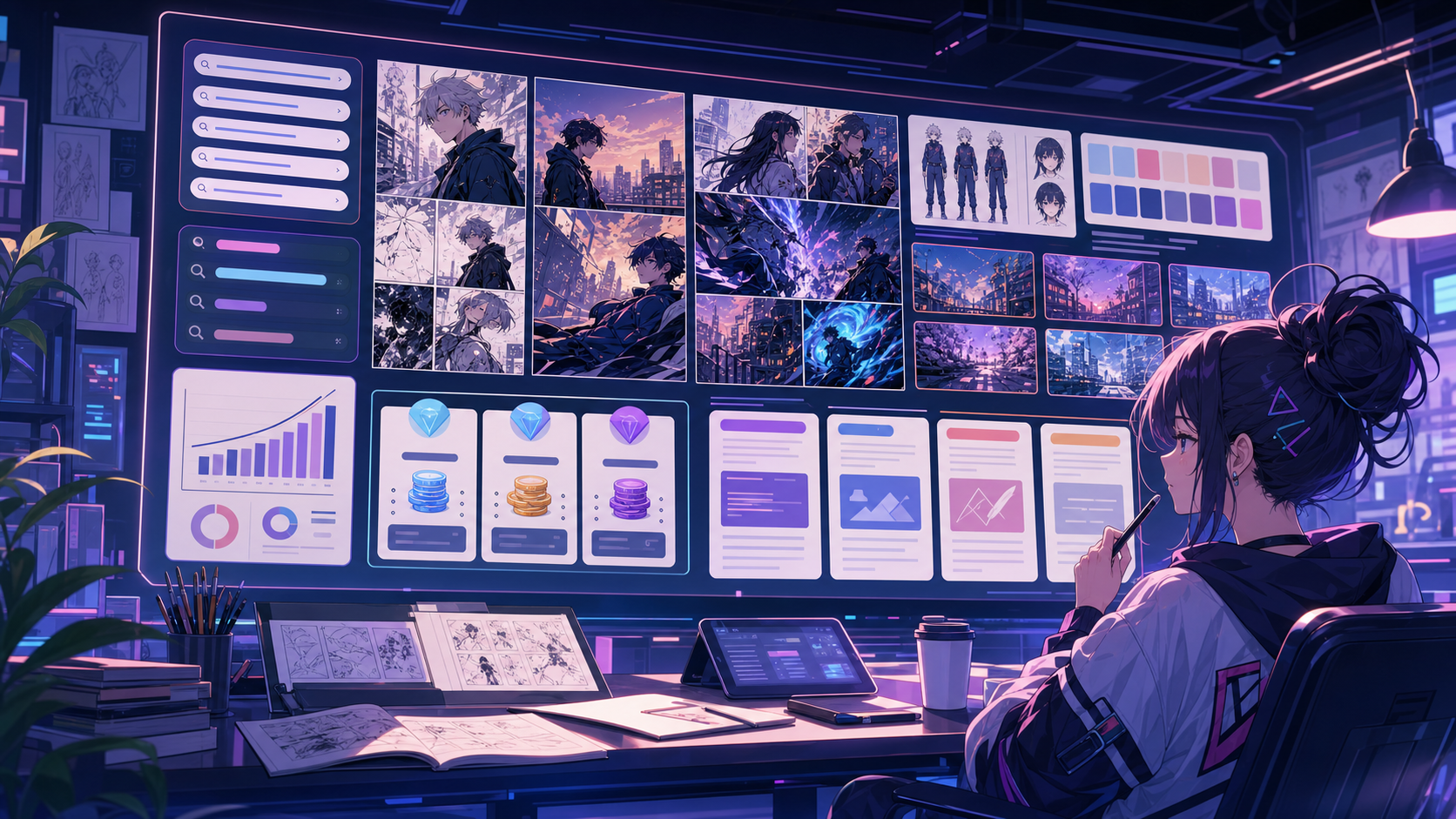
Built around a real comic-making task.
最終作画の前に、構成、セリフ、ページの流れを確認したいクリエイター、教育者、マーケティングチームに向いています。
01
Use comic strip generator to plan the story before generating final panels.
02
Keep character notes, scene direction, captions, and layout choices together.
03
Continue editing the draft after generation so the page stays useful for review.
What creators can make here.
Pick the closest project type, then open Studio with a clearer idea of the draft you want to make.
What you can draft.
These are practical starting points for review, sharing, and continued editing.
A short path into Studio.
Start with the smallest useful step, then refine the draft inside the editor.
Start with these comic strip generator prompts.
Use these as starting points, then swap in your own characters, setting, and tone.
Three-beat strip
comic strip generator: create a 短い漫画シーン with clear characters, readable panels, concise captions, and a polished comic layout.
Output: Draft output: 3-panel generated strip
Lesson strip
comic strip generator: create a SNS向けコミック投稿 with clear characters, readable panels, concise captions, and a polished comic layout.
Output: Draft output: single-row social strip
Tools that help the draft become usable.
Story structure
Use comic strip generator to plan the story before generating final panels.
Editable panels
Keep character notes, scene direction, captions, and layout choices together.
Project continuity
Continue editing the draft after generation so the page stays useful for review.
Keep building with the right next tool.
その他のコミック制作ページ。
Related workflow
comic book generator
comic book generator: Comics Makerでストーリー、キャラクター、コマ割り、吹き出しを整理し、編集できるコミック草稿を作成します。
ページを開く
Related workflow
comic creator
comic creator: Comics Makerでストーリー、キャラクター、コマ割り、吹き出しを整理し、編集できるコミック草稿を作成します。
ページを開く
Related workflow
graphic novel generator
graphic novel generator: Comics Makerでストーリー、キャラクター、コマ割り、吹き出しを整理し、編集できるコミック草稿を作成します。
ページを開く
comic strip generator のよくある質問。
comic strip generatorでは何を作れますか?
漫画の構成、パネル案、キャラクター方向、セリフ、編集可能なレイアウトを作れます。
絵が描けなくても使えますか?
はい。文章から始めて、エディターで画面、セリフ、レイアウトを調整できます。
生成後に修正できますか?
できます。プロンプト、キャプション、吹き出し、レイアウト、書き出し設定を後から調整できます。
Start your next comic draft.
Open the Studio, choose a layout, and turn the idea into a working comic draft.
Try this workflow