
comic creator से editable comic drafts बनाएं।
आइडिया को story beats, character direction, panel generation, captions और export controls वाले comic workflow में बदलें।
comic creator draft
comic creator
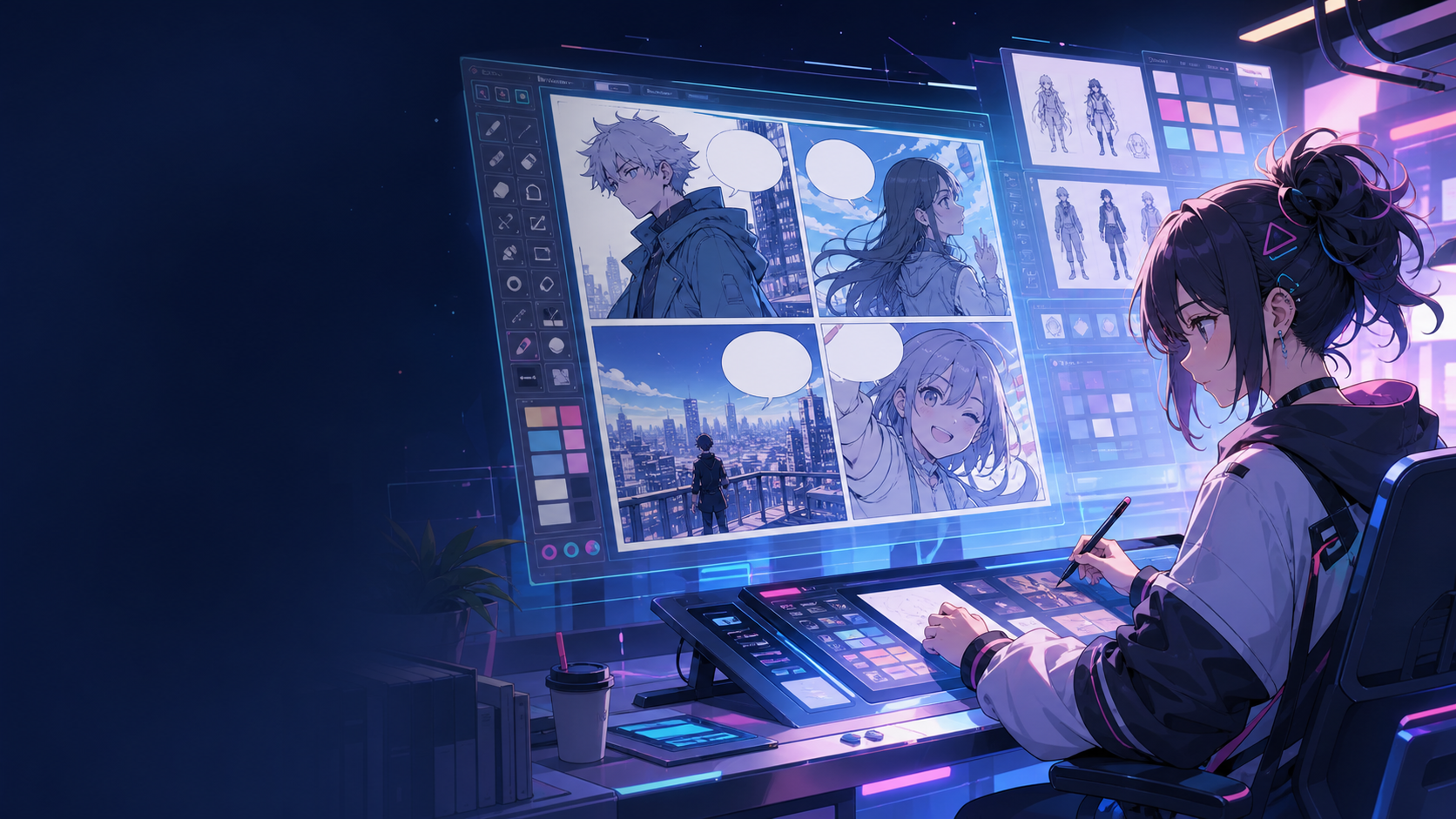
Definition
What is comic creator?
comic creator Comics Maker का workflow है जो story idea को character direction, panel structure, captions और editable comic draft में बदलता है।
Short answer
When to use this workflow.
comic creator तब उपयोग करें जब आपको जल्दी reviewable और editable comic draft चाहिए।
Plan a draft with comic creator.
Start with a story goal, character notes, and a visual direction before generating panels.
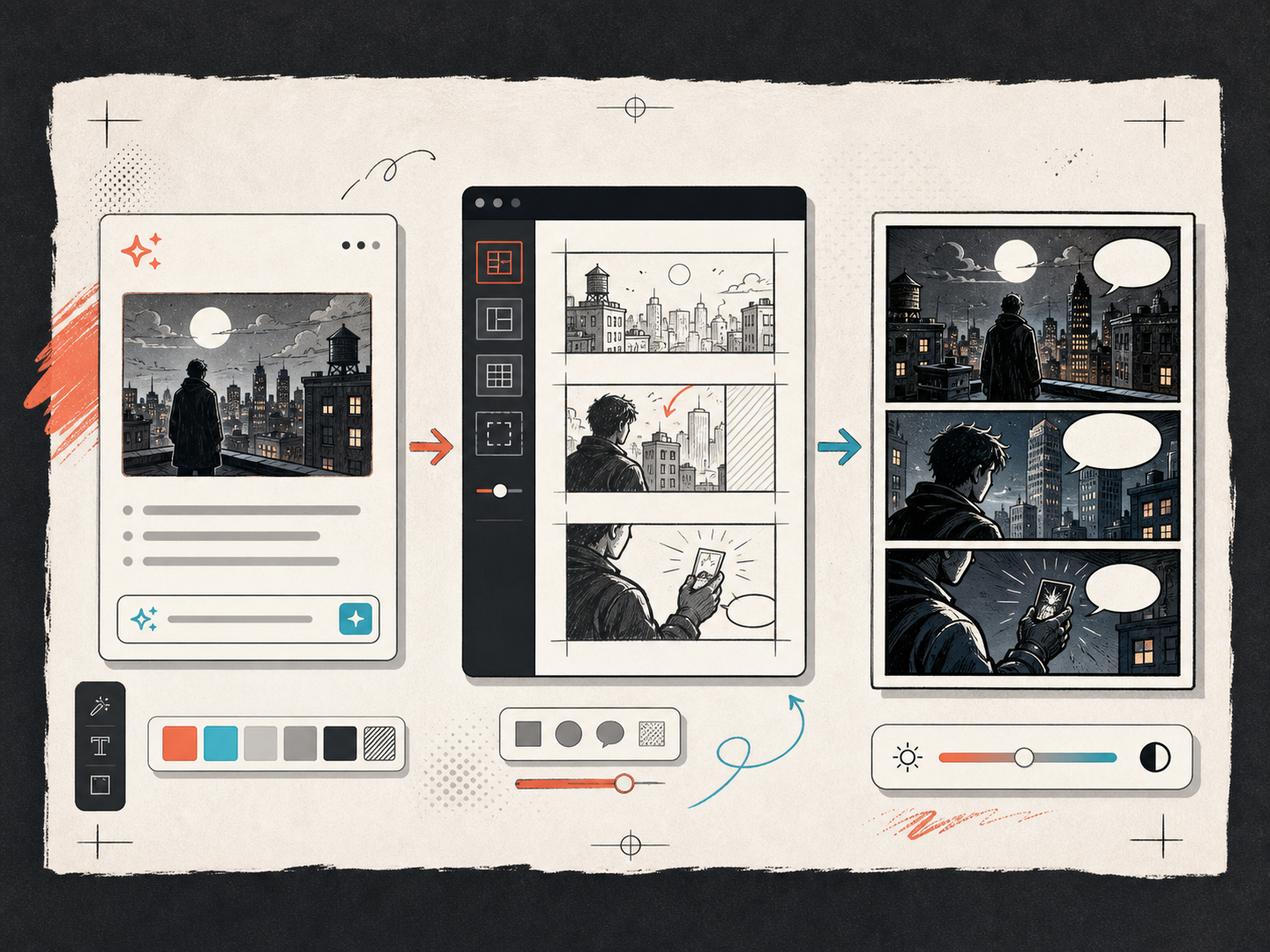
Keep the comic direction consistent.
Keep recurring context visible so characters, settings, captions, and style choices stay coherent.
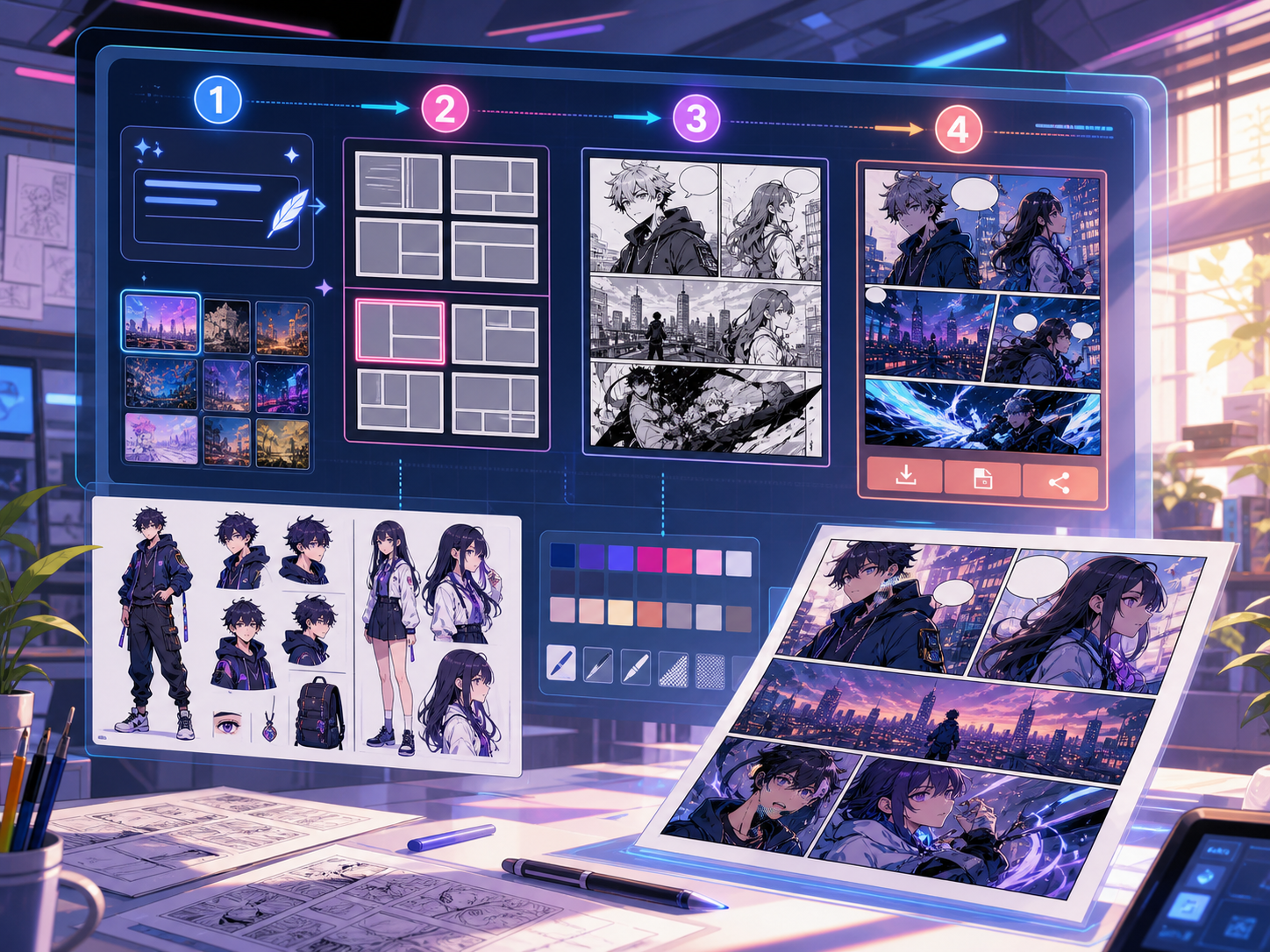
Built around a real comic-making task.
Creators, educators और teams के लिए जो final art से पहले comic draft review करना चाहते हैं।
01
Use comic creator to plan the story before generating final panels.
02
Keep character notes, scene direction, captions, and layout choices together.
03
Continue editing the draft after generation so the page stays useful for review.
What creators can make here.
Pick the closest project type, then open Studio with a clearer idea of the draft you want to make.
What you can draft.
These are practical starting points for review, sharing, and continued editing.
A short path into Studio.
Start with the smallest useful step, then refine the draft inside the editor.
Start with these comic creator prompts.
Use these as starting points, then swap in your own characters, setting, and tone.
Creator episode
comic creator: create a short comic scenes with clear characters, readable panels, concise captions, and a polished comic layout.
Output: Draft output: comic project draft
Education comic
comic creator: create a social comic posts with clear characters, readable panels, concise captions, and a polished comic layout.
Output: Draft output: editable panel layout
Tools that help the draft become usable.
Story structure
Use comic creator to plan the story before generating final panels.
Editable panels
Keep character notes, scene direction, captions, and layout choices together.
Project continuity
Continue editing the draft after generation so the page stays useful for review.
Keep building with the right next tool.
कॉमिक बनाने के और पेज.
Related workflow
comic book generator
comic book generator: Comics Maker में कहानी, किरदार नोट्स, पैनल लेआउट, स्पीच बबल और export-ready comic draft बनाएं।
पेज खोलें
Related workflow
comic strip generator
comic strip generator: Comics Maker में कहानी, किरदार नोट्स, पैनल लेआउट, स्पीच बबल और export-ready comic draft बनाएं।
पेज खोलें
Related workflow
graphic novel generator
graphic novel generator: Comics Maker में कहानी, किरदार नोट्स, पैनल लेआउट, स्पीच बबल और export-ready comic draft बनाएं।
पेज खोलें
comic creator से जुड़े सामान्य प्रश्न.
What can comic creator create?
It can create comic draft structure, panel ideas, character direction, captions, and editable layouts.
Do I need drawing skills to use comic creator?
No. You can start with text, then refine the comic draft in the editor.
Can I edit the result?
Yes. You can keep adjusting prompts, captions, bubbles, layout, and export settings after the first draft.
Start your next comic draft.
Open the Studio, choose a layout, and turn the idea into a working comic draft.
Try this workflow