
sprite comic maker لمسودات قصص مصورة قابلة للتحرير.
حوّل الفكرة إلى مسودة منظمة تشمل إيقاع القصة، توجيه الشخصيات، إنشاء اللوحات، النصوص وخيارات التصدير.
Start on this page
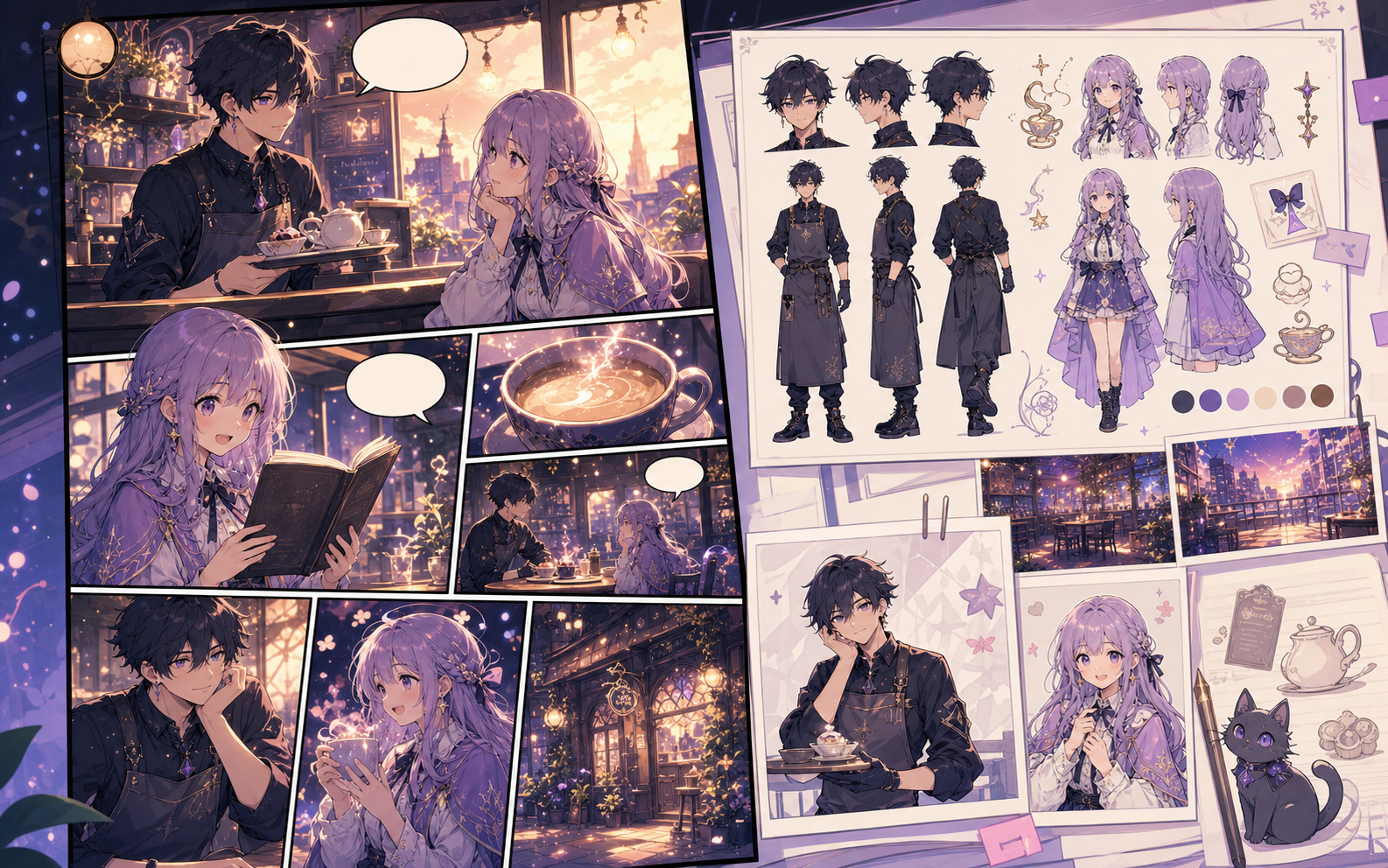
Sprite-comic scene
Describe simple staging, a limited color direction, and one action per panel. Final pixel cleanup still requires a pixel editor.
What this draft does not do
- The image model creates a sprite-inspired concept; it does not guarantee a game-ready pixel grid.
- Use a pixel editor for palette locking, tile alignment, and production sprite sheets.
التعريف
ما هو sprite comic maker؟
sprite comic maker هو سير عمل في Comics Maker يحول فكرة القصة إلى شخصيات ولوحات ونصوص ومسودة قابلة للتحرير.
إجابة مختصرة
متى تستخدم هذا المسار.
استخدم sprite comic maker عندما تحتاج إلى مسودة قصة مصورة سريعة قابلة للمراجعة والتعديل.
مصمم حول مهمة حقيقية لصناعة القصص المصورة.
مناسب للمبدعين والمعلمين والفرق التي تحتاج إلى مراجعة مسودة القصة المصورة قبل العمل النهائي.
01
Use sprite comic maker to plan the story before generating final panels.
02
Keep character notes, scene direction, captions, and layout choices together.
03
Continue editing the draft after generation so the page stays useful for review.
ما الذي يمكن للمبدعين إنجازه هنا.
اختر نوع المشروع الأقرب، ثم افتح Studio مع تصور أوضح للمسودة التي تريد إنشاءها.
ما الذي يمكنك صياغته.
هذه نقاط بداية عملية للمراجعة والمشاركة ومتابعة التحرير.
طريق قصير إلى Studio.
ابدأ بأصغر خطوة مفيدة، ثم حسّن المسودة داخل المحرر.
المزيد من صفحات إنشاء القصص المصورة.
مسار ذو صلة
AI comic maker
AI comic maker: أنشئ مسودات قصص مصورة في Comics Maker مع تخطيط القصة، الشخصيات، اللوحات، الفقاعات النصية وخيارات التصدير.
افتح الصفحة
مسار ذو صلة
free comic maker
free comic maker: أنشئ مسودات قصص مصورة في Comics Maker مع تخطيط القصة، الشخصيات، اللوحات، الفقاعات النصية وخيارات التصدير.
افتح الصفحة
مسار ذو صلة
comic maker online
comic maker online: أنشئ مسودات قصص مصورة في Comics Maker مع تخطيط القصة، الشخصيات، اللوحات، الفقاعات النصية وخيارات التصدير.
افتح الصفحة
أسئلة شائعة حول sprite comic maker.
What can sprite comic maker create?
It can create comic draft structure, panel ideas, character direction, captions, and editable layouts.
Do I need drawing skills to use sprite comic maker?
No. You can start with text, then refine the comic draft in the editor.
Can I edit the result?
Yes. You can keep adjusting prompts, captions, bubbles, layout, and export settings after the first draft.
ابدأ مسودة القصة المصورة التالية.
افتح Studio، اختر تخطيطًا، وحوّل الفكرة إلى مسودة قصة مصورة قابلة للعمل.
جرّب هذا المسار