
แอปสร้างการ์ตูน
วางแผนฉากต่อเนื่องในพื้นที่เว็บ เก็บชื่อ เสื้อผ้า สถานที่ และพรอมต์ไว้ในร่างโครงการ
เริ่มจากหนึ่งฉาก
แอปสร้างการ์ตูน
วางแผนฉากต่อเนื่องในพื้นที่เว็บ เก็บชื่อ เสื้อผ้า สถานที่ และพรอมต์ไว้ในร่างโครงการ
ค่าใช้จ่ายประมาณ 8 เครดิต
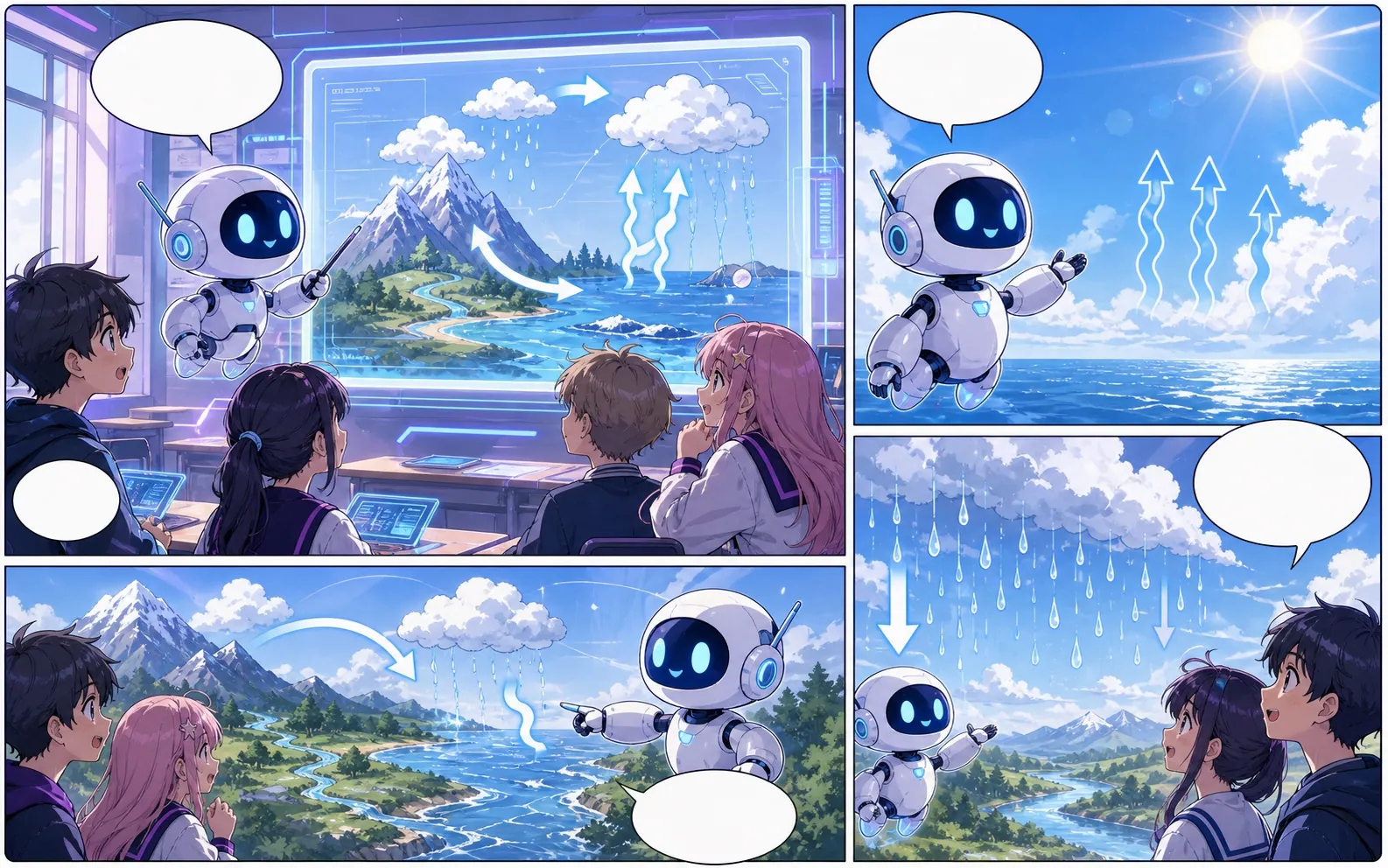
ข้อจำกัดของร่าง
- นี่คือพื้นที่ทำงานบนเว็บ ไม่ใช่แอปเนทีฟดาวน์โหลด JSON เป็นข้อมูลโครงการ ไม่ใช่หน้าภาพรวม หรือ PDF
สร้างมาเพื่อภารกิจทำคอมิกจริง
ทำต่อใน Studio และส่งออก JSON ที่มีพรอมต์ เลย์เอาต์ URL ภาพ และบทพูด
01
นี่คือพื้นที่ทำงานบนเว็บ ไม่ใช่แอปเนทีฟดาวน์โหลด JSON เป็นข้อมูลโครงการ ไม่ใช่หน้าภาพรวม หรือ PDF
หน้าเพิ่มเติมสำหรับสร้างคอมิก
เวิร์กโฟลว์ที่เกี่ยวข้อง
เครื่องมือสร้างการ์ตูนด้วย AI
เริ่มจากฉากเดียว ระบุตัวละครและสิ่งที่เปลี่ยน ตรวจแผนสี่จังหวะก่อนใช้เครดิตภาพ
เปิดหน้า
เวิร์กโฟลว์ที่เกี่ยวข้อง
เครื่องมือสร้างการ์ตูนฟรี
วางแผนฉากสั้นฟรีในเบราว์เซอร์ การทดลองเริ่มต้นสร้างหนึ่งช่อง เครดิตต้อนรับสองหน่วยเพียงพอสำหรับหนึ่งภาพตามราคามาตรฐาน
เปิดหน้า
เวิร์กโฟลว์ที่เกี่ยวข้อง
เครื่องมือสร้างการ์ตูนออนไลน์
เขียนฉากในเบราว์เซอร์ ตรวจสี่จังหวะ แล้วสร้างภาพในหน้านี้
เปิดหน้า
คำถามที่พบบ่อยเกี่ยวกับ แอปสร้างการ์ตูน.
สร้างอะไรได้บ้าง?
ทำต่อใน Studio และส่งออก JSON ที่มีพรอมต์ เลย์เอาต์ URL ภาพ และบทพูด
มีข้อจำกัดอะไรบ้าง?
นี่คือพื้นที่ทำงานบนเว็บ ไม่ใช่แอปเนทีฟดาวน์โหลด JSON เป็นข้อมูลโครงการ ไม่ใช่หน้าภาพรวม หรือ PDF
เริ่มดราฟต์คอมิกถัดไป
เปิด Studio เลือกเลย์เอาต์ แล้วเปลี่ยนไอเดียเป็นดราฟต์คอมิกที่ทำงานต่อได้
ลองเวิร์กโฟลว์นี้