
為乾淨線稿設計的 AI 配色工作區
用 AI 在線上替線稿上色
上傳 PNG、JPG 或 WebP 線稿,選擇上色方式、線條保護、光線、用途與配色要求。結果會在本頁產生為單張扁平 PNG,不會假裝提供 PSD 圖層。
產生的上色結果
單張扁平 PNG,不含圖層
結果會顯示在這裡
上傳墨線並在左側選擇設定。
實際工作方法
加入顏色並保留乾淨線條
先整理外輪廓、五官、服裝結構線、排線與不要的草稿線。最高保護適合完稿墨線,均衡適合少量雜線,彈性模式適合重視色塊和氣氛的草圖。輸出是線與色合併的 PNG。
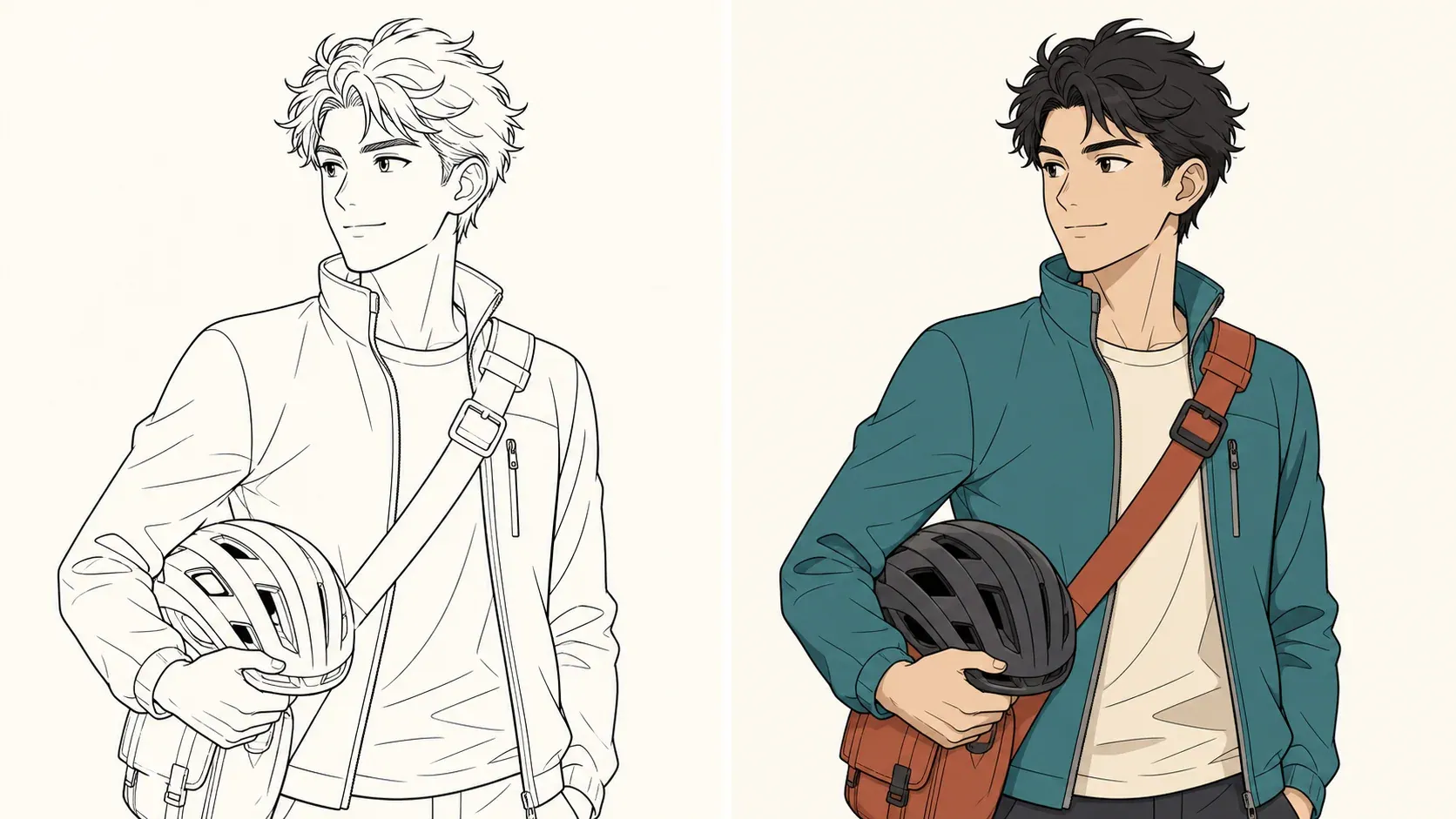
實際工作方法
替動畫草圖和漫畫墨線配色
角色稿先固定髮色、膚色、主要服裝、點綴色與代表道具。漫畫格要交代主角、背景層級、對白留白及保留的黑塊。原有文字可能失真,最終字體與對白應在後製重排。
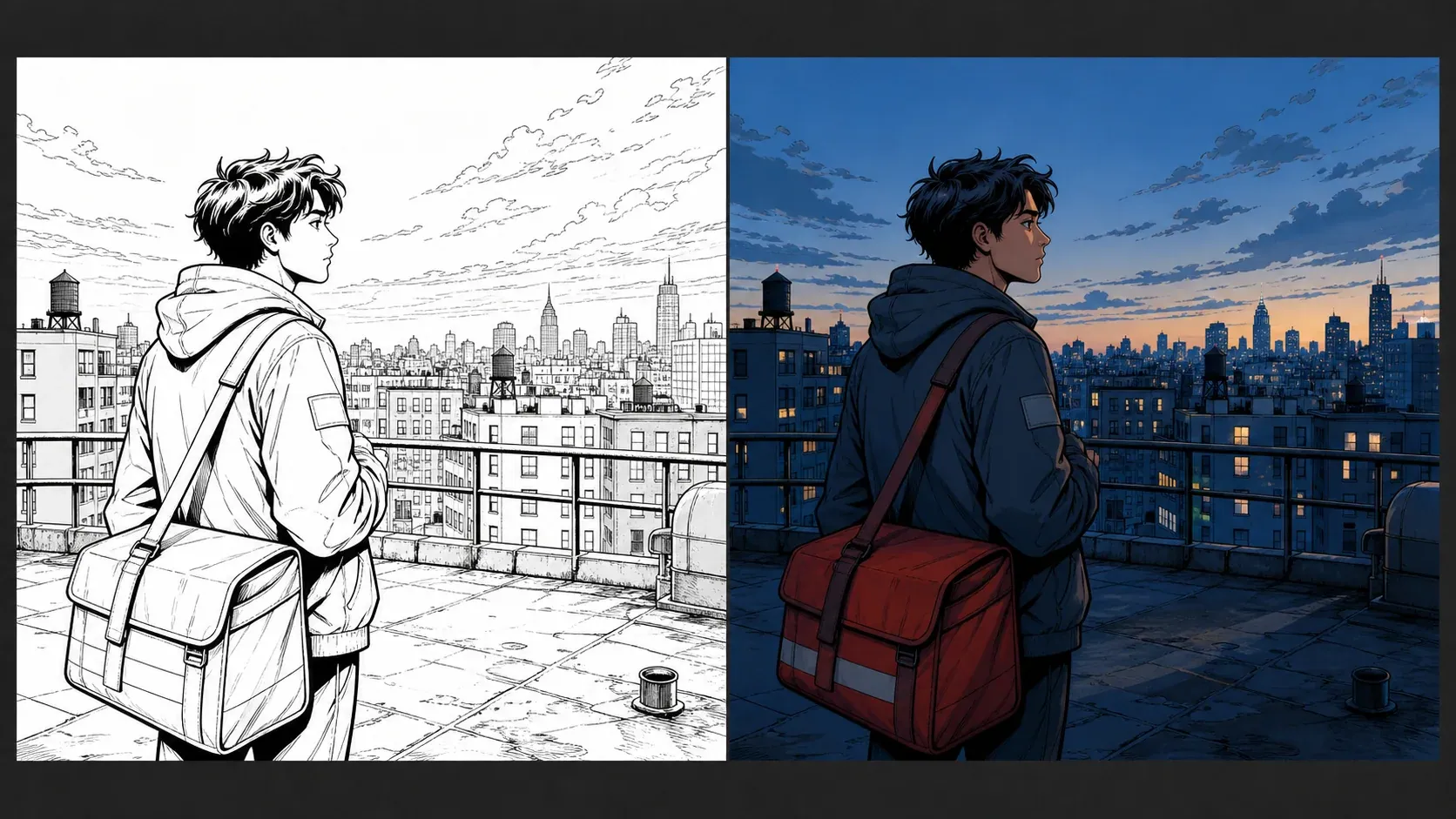
實際工作方法
選擇平塗、陰影與光線
平塗適合設定與配色確認;賽璐璐陰影適合清楚的動畫明暗;柔和陰影表現體積;電影感配色偏重氣氛。中性光確認固有色,暖色主光強調方向,冷色黃昏塑造環境,輪廓光分離主體。
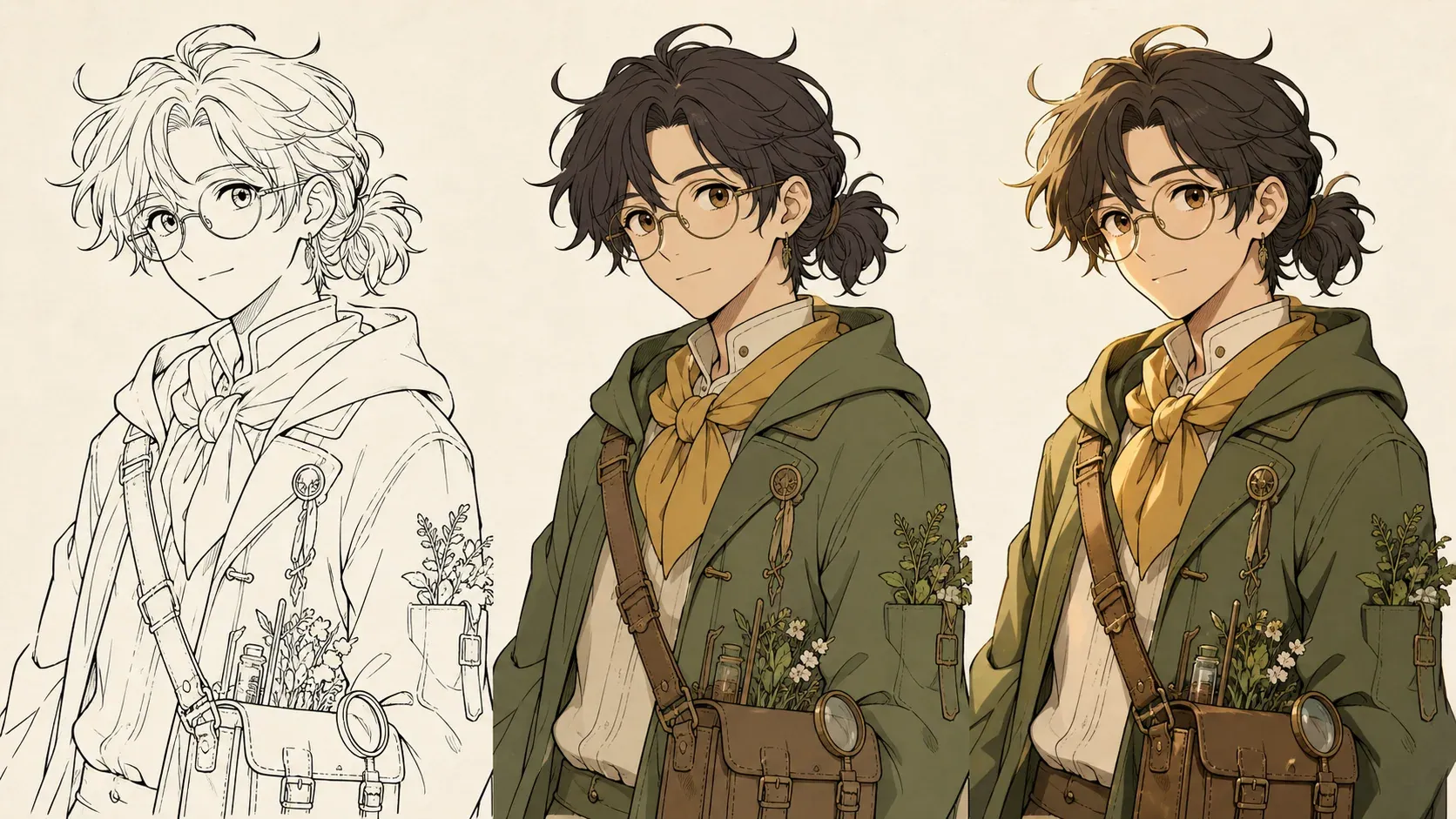
實際工作方法
檢查、重試並交付結果
縮圖檢查焦點與色彩階層,100% 檢查眼睛、手、髮絲空隙、服裝線與溢色。重試時一次只改一個問題。PNG 可作配色草案;需要可編輯圖層時,請回到繪圖軟體重建。
線稿上色常見問題
AI 能完全不改動線條直接上色嗎?
The protection control asks the generator to preserve deliberate contours, but this is generative image editing rather than pixel locking. Always compare the returned PNG with the source and retry or edit manually when an important line changes.
可以上傳哪些檔案格式?
You can upload one PNG, JPG, or WebP image up to 5MB. Clean, high-contrast inks with little scanner noise are easier to interpret than faint construction sketches.
下載結果包含圖層或 PSD 嗎?
No. The tool returns one flattened PNG. It does not provide separated inks, flats, shadows, highlights, vector paths, or a layered PSD.
應該選擇平塗還是賽璐璐陰影?
Choose flat colors when you need an unambiguous character palette or a base reference. Choose cel shading when you want crisp animation-like shadow shapes and already know the intended light direction.