
free comic maker für bearbeitbare Comic-Entwürfe.
Führe eine Idee zu Story-Beats, Figurenrichtung, Panel-Generierung, Texten und Exportoptionen.
Start on this page
Small comic idea
Start with one scene that fits three panels. Planning is available before sign-in; image generation uses account credits.
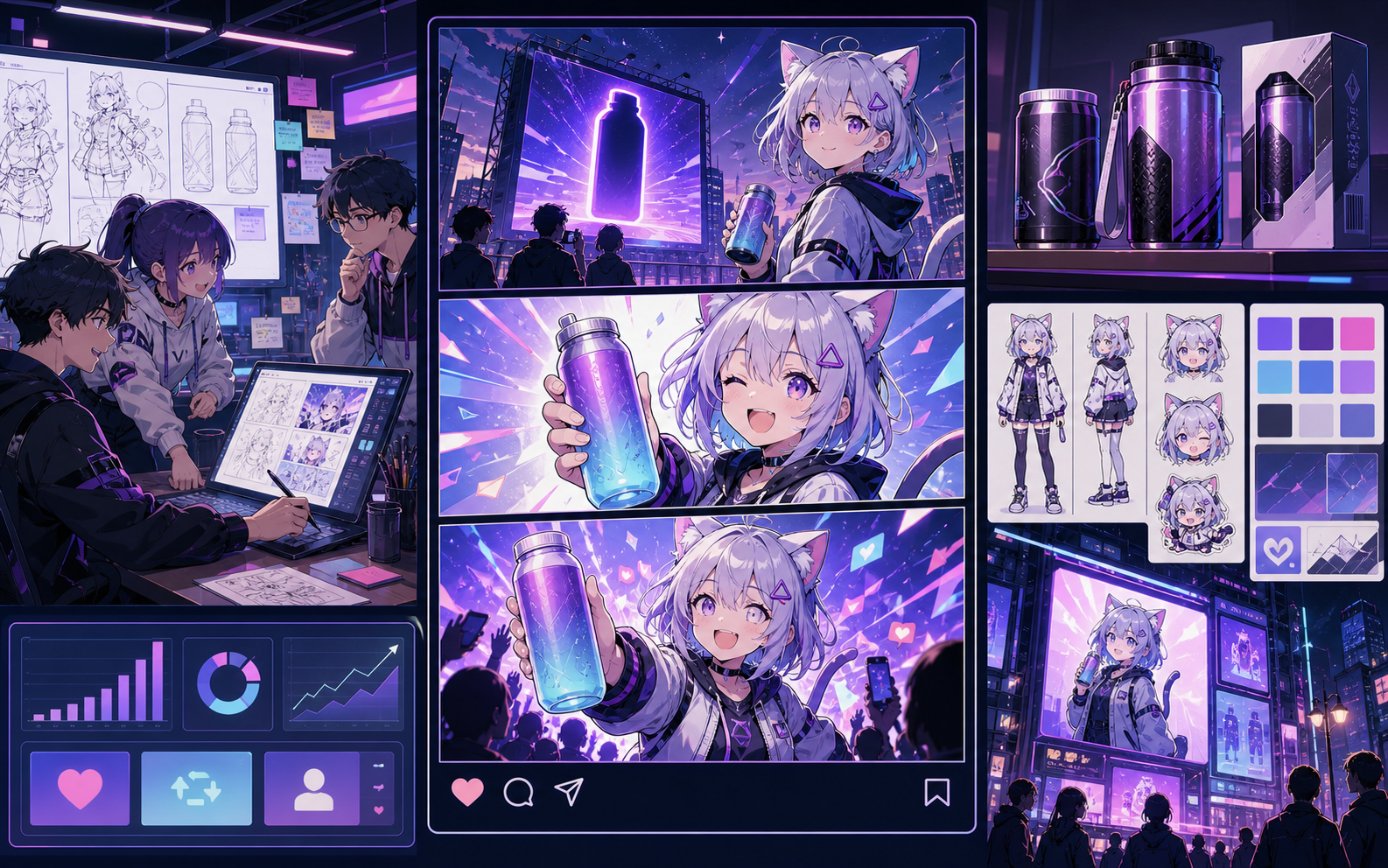
What this draft does not do
- Image generation does not place reliable dialogue. Add and position speech bubbles in Studio after the panels are ready.
- Long plots produce vague pages. Work one scene or page at a time and repeat concrete character details.
Begriffserklärung
Was ist free comic maker?
free comic maker ist ein Comics Maker Arbeitsablauf, der eine Idee in Figurenrichtung, Panels, Texte und einen bearbeitbaren Entwurf verwandelt.
Kurzantwort
Wann dieser Arbeitsablauf passt.
Nutze free comic maker, wenn du schnell einen prüfbaren und bearbeitbaren Comic-Entwurf brauchst.
Für eine echte Comic-Erstellungsaufgabe gebaut.
Für Creator, Lehrkräfte und Teams, die einen Comic-Entwurf vor der finalen Ausarbeitung prüfen möchten.
01
Use free comic maker to plan the story before generating final panels.
02
Keep character notes, scene direction, captions, and layout choices together.
03
Continue editing the draft after generation so the page stays useful for review.
Was Kreative hier erstellen können.
Wählen Sie den passendsten Projekttyp und öffnen Sie Studio mit einer klareren Vorstellung des gewünschten Entwurfs.
Was Sie entwerfen können.
Das sind praktische Startpunkte für Prüfung, Teilen und weitere Bearbeitung.
Ein kurzer Weg in Studio.
Beginnen Sie mit dem kleinsten sinnvollen Schritt und verfeinern Sie den Entwurf im Editor.
Weitere Seiten zur Comic-Erstellung.
Verwandter Arbeitsablauf
AI comic maker
AI comic maker: Erstelle Comic-Entwürfe in Comics Maker mit Story, Figuren, Panels, Sprechblasen und exportfähiger Bearbeitung.
Seite öffnen
Verwandter Arbeitsablauf
comic maker online
comic maker online: Erstelle Comic-Entwürfe in Comics Maker mit Story, Figuren, Panels, Sprechblasen und exportfähiger Bearbeitung.
Seite öffnen
Verwandter Arbeitsablauf
comic maker app
comic maker app: Erstelle Comic-Entwürfe in Comics Maker mit Story, Figuren, Panels, Sprechblasen und exportfähiger Bearbeitung.
Seite öffnen
Häufige Fragen zu free comic maker.
What can free comic maker create?
It can create comic draft structure, panel ideas, character direction, captions, and editable layouts.
Do I need drawing skills to use free comic maker?
No. You can start with text, then refine the comic draft in the editor.
Can I edit the result?
Yes. You can keep adjusting prompts, captions, bubbles, layout, and export settings after the first draft.
Starten Sie Ihren nächsten Comic-Entwurf.
Öffnen Sie Studio, wählen Sie ein Layout und machen Sie aus der Idee einen bearbeitbaren Comic-Entwurf.
Diesen Arbeitsablauf testen