
A comic maker app for projects, not one-off panels.
Keep your character notes, color logic, style choices, and exports grouped so every new strip starts faster.
880 searches
Comic Maker App for Repeatable Creator Workflows
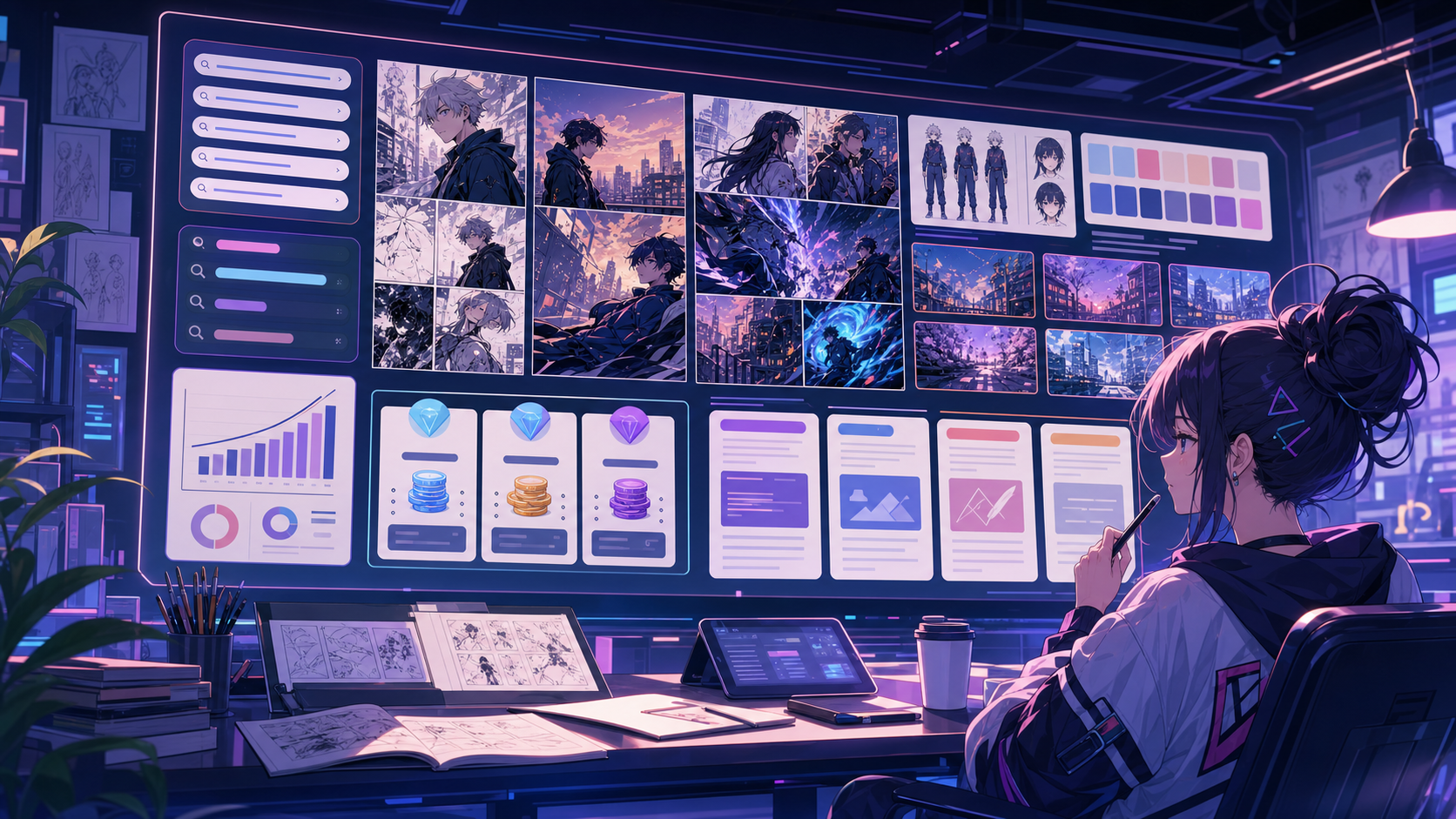
Use comic maker app when the story needs structure.
Creators building a recurring series, brand character, lesson pack, or campaign system.
01
Project-based workflow for repeat comic creation.
02
Saved style and character direction for future drafts.
03
Dashboard areas for projects, credits, uploads, and billing.
What creators can make here.
Each landing page names the concrete output so visitors understand the tool before they enter Studio.
What you can draft.
Each format keeps the work concrete, so the page is about making comics instead of only matching a keyword.
A short path into Studio.
The content does not stop at keywords; it routes users into a practical comic-making workflow.
Explore adjacent Comics Maker tools.
comic strip maker
Comic Strip Maker for Fast Story Panels
Build three-panel strips, 2x2 pages, and webtoon drafts with an AI comic strip maker built for repeatable layouts.
Open page
AI comic maker
AI Comic Maker for Storyboards and Comic Pages
Use AI to draft comic panels, captions, and character-consistent scenes from one focused comic maker studio.
Open page
manga translator
Manga Translator for AI Manga Page Translation
Translate manga pages online with an AI manga translator built for image OCR, clean speech bubbles, PDF pages, and readable English manga drafts.
Open page
Common comic maker app questions.
How is the app different from a one-shot generator?
The app is organized around projects, recurring character direction, saved drafts, and credit-based production.
Can I use it for a series?
Yes. The project workflow is designed for recurring strips, lesson packs, brand characters, and other repeatable comic work.
Start with comic maker app.
Open the Studio, choose a layout, and turn the idea into a working comic draft.
Try this workflow