
Docs
Documentation for building comic drafts inside Studio.
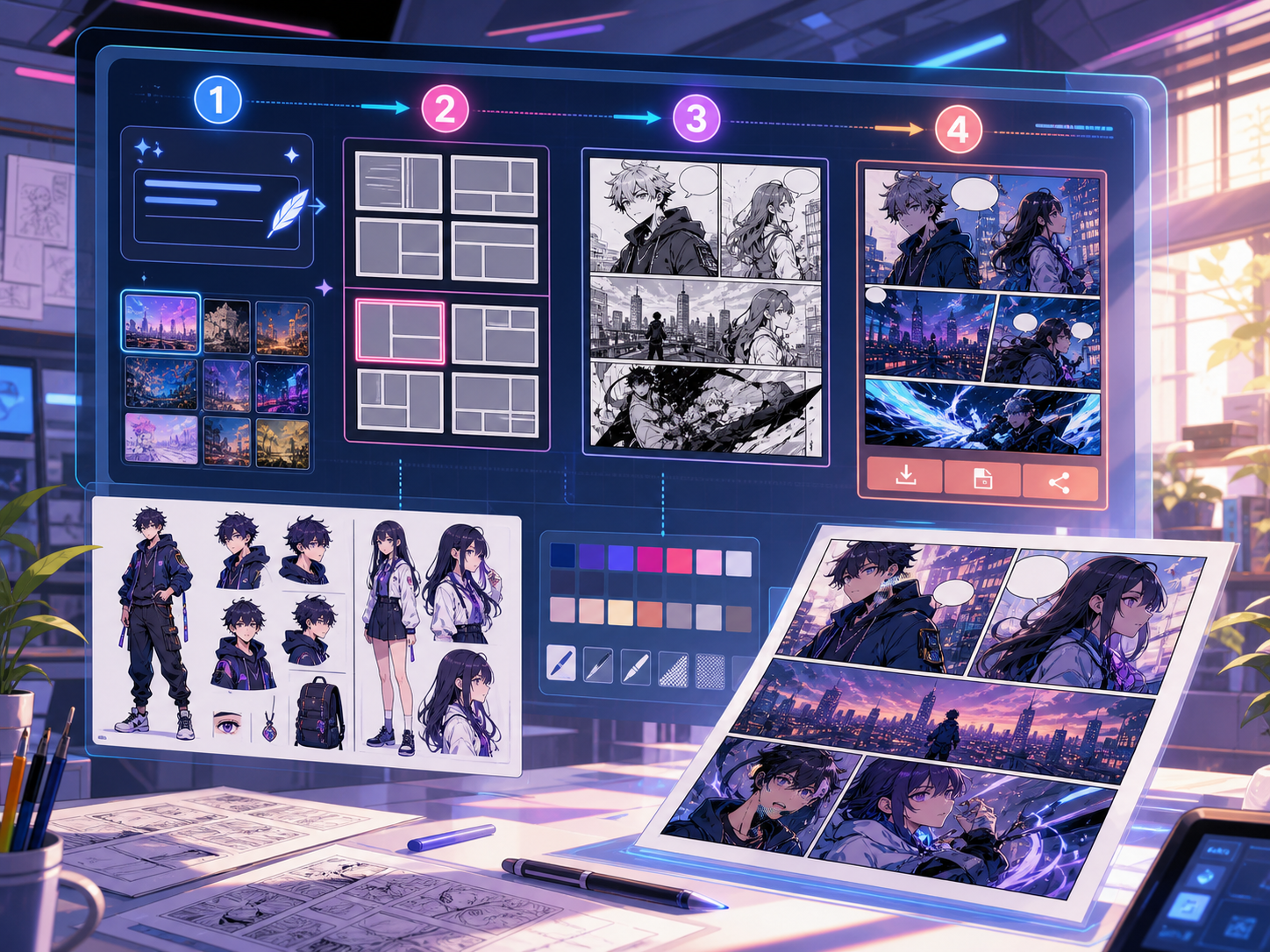
These docs explain the creation flow, page formats, prompt controls, export behavior, credits, and where image generation fits in the product flow.
Open Comics MakerProduct docs
Studio manual board
Draft
PANEL 1PANEL 2PANEL 3PANEL 4
Guides
Everything routes back to making a better comic draft.
Docs should explain what a creator can do today and how the implementation can expand next.
Studio workflow
Choose a model, format, style, palette, prompt, negative prompt, and character reference notes before generating a draft.
Panel layouts
Use 2x2 pages, 3-panel strips, single panels, wide-top layouts, and vertical webtoon frames.
Prompt structure
Write scene, character, camera, mood, dialogue, and readability constraints in one clean prompt.
Developer setup
Connect Studio controls to the existing AI/API layer, credit system, and generation history.