
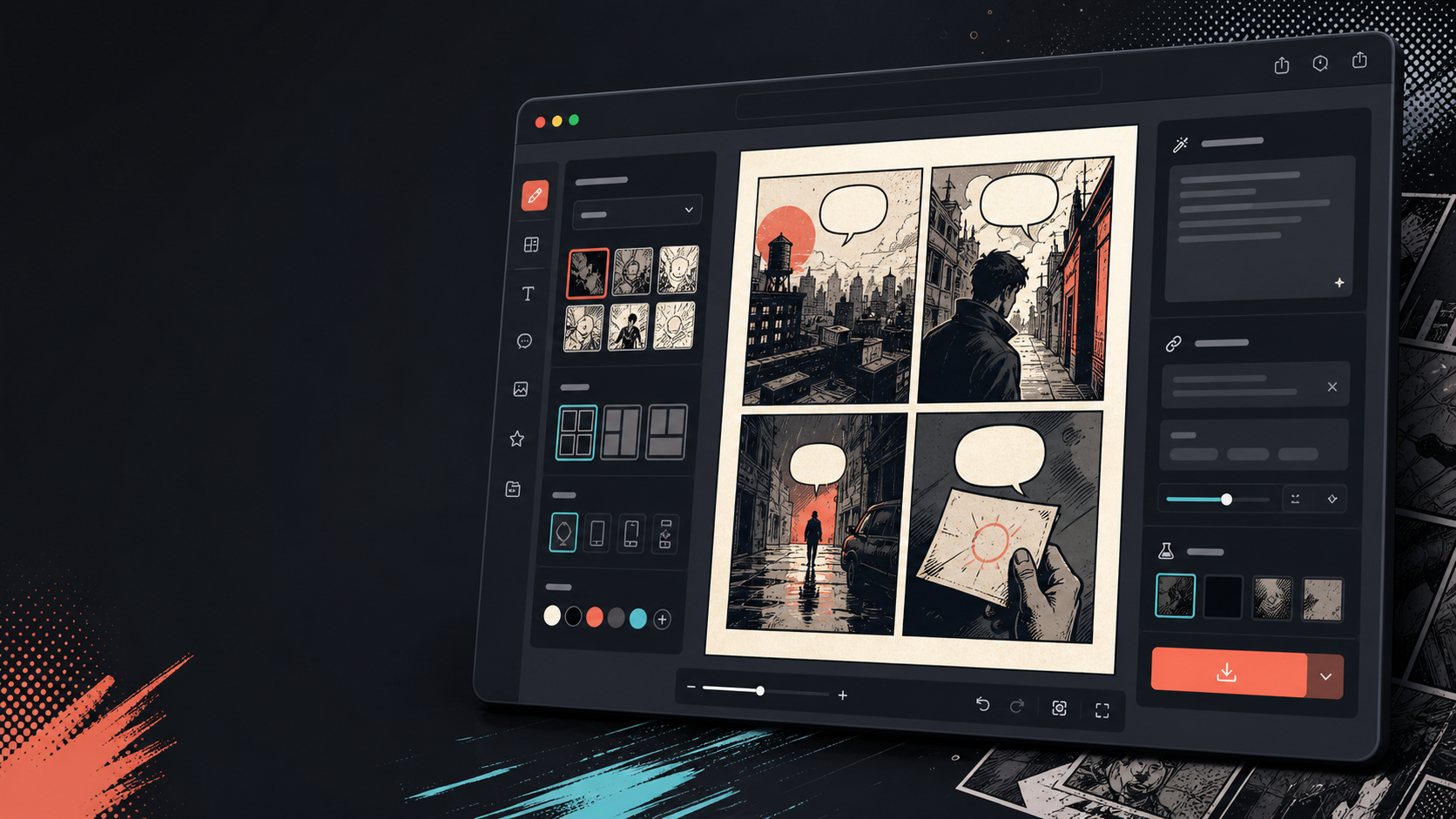
Comics Maker
เครื่องมือสร้างการ์ตูน AI สำหรับร่างเรื่องและคอมิกสตริปที่ชัดเจน
เขียนฉาก เลือกรูปแบบ แล้วสร้างหน้าสำหรับตรวจทาน สอน นำเสนอ หรือส่งต่อการผลิต
Scene to script
Panel planning
Style control
Draft export
Plan
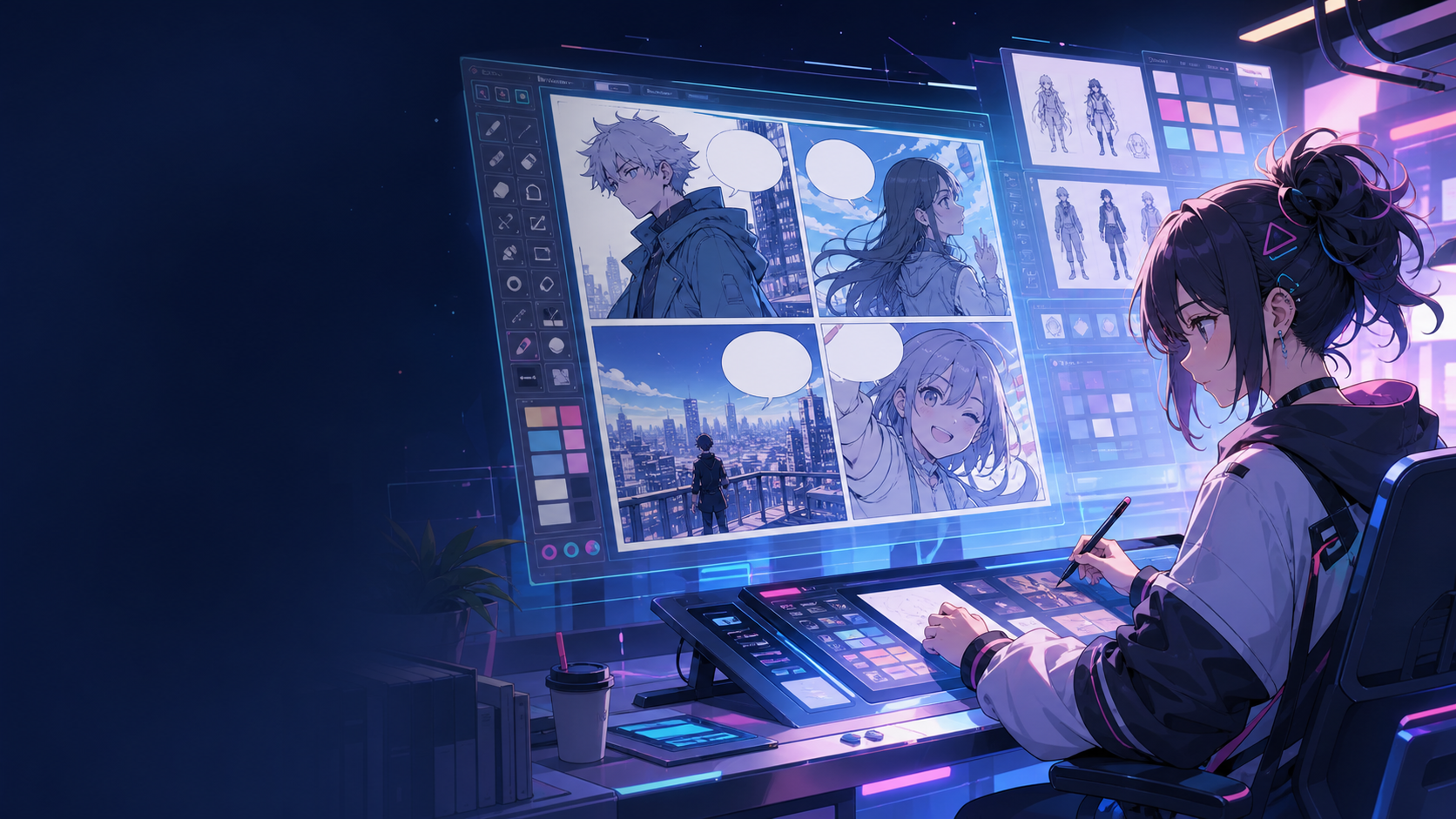
Start with the scene, then shape it into panels.
Turn a raw idea, mood, or line of dialogue into a comic structure you can keep editing.
Write the scene in plain language
Pick strip, page, storyboard, or webtoon formats
Keep dialogue close to the panel plan
Structure
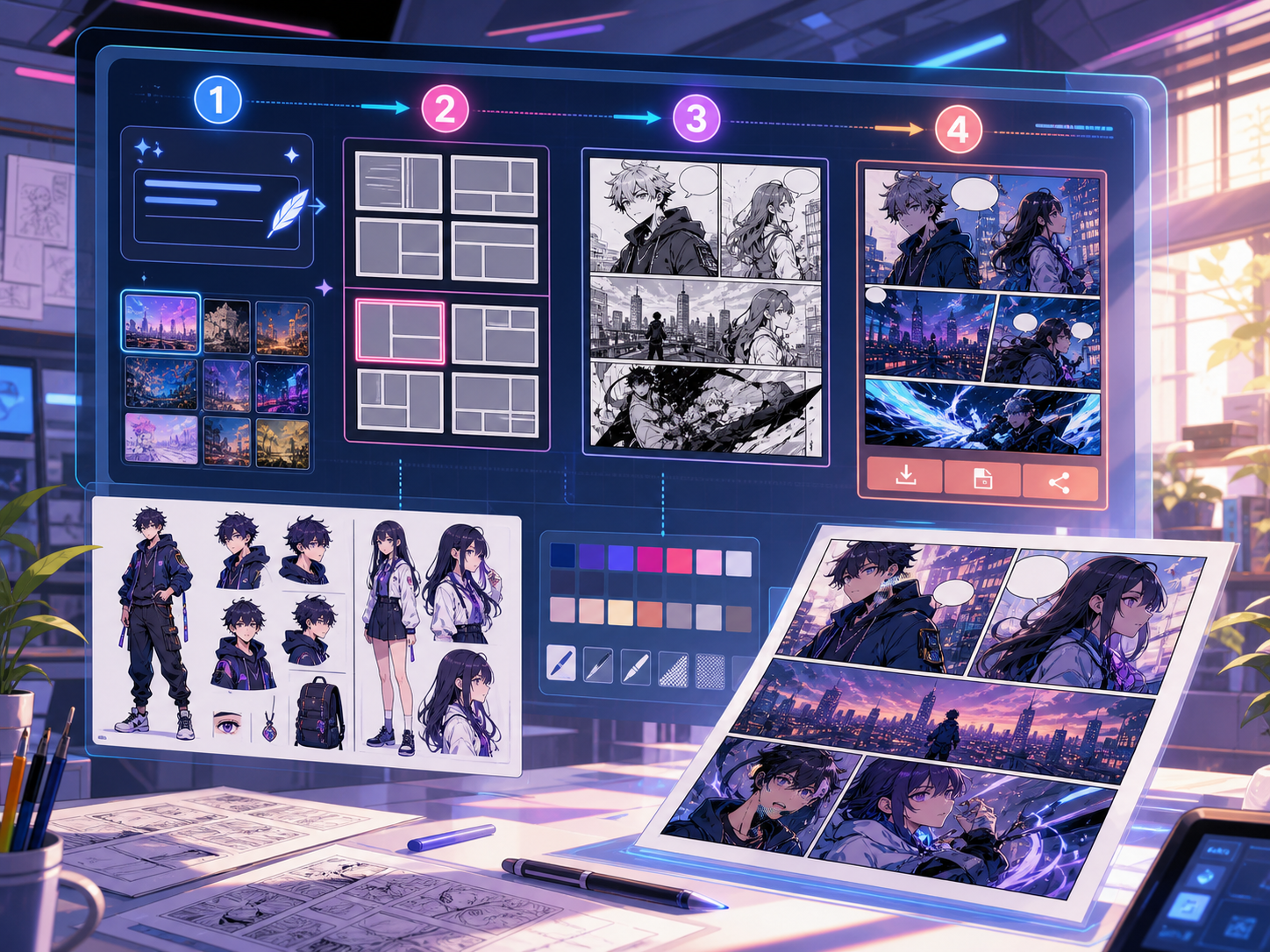
Make layout decisions before polish.
Keep panel count, pacing, shot type, and reading order visible while you plan.
Single panel, strip, page, and vertical flow
Controls for size, tone, and notes
A clean canvas for the next idea
Style
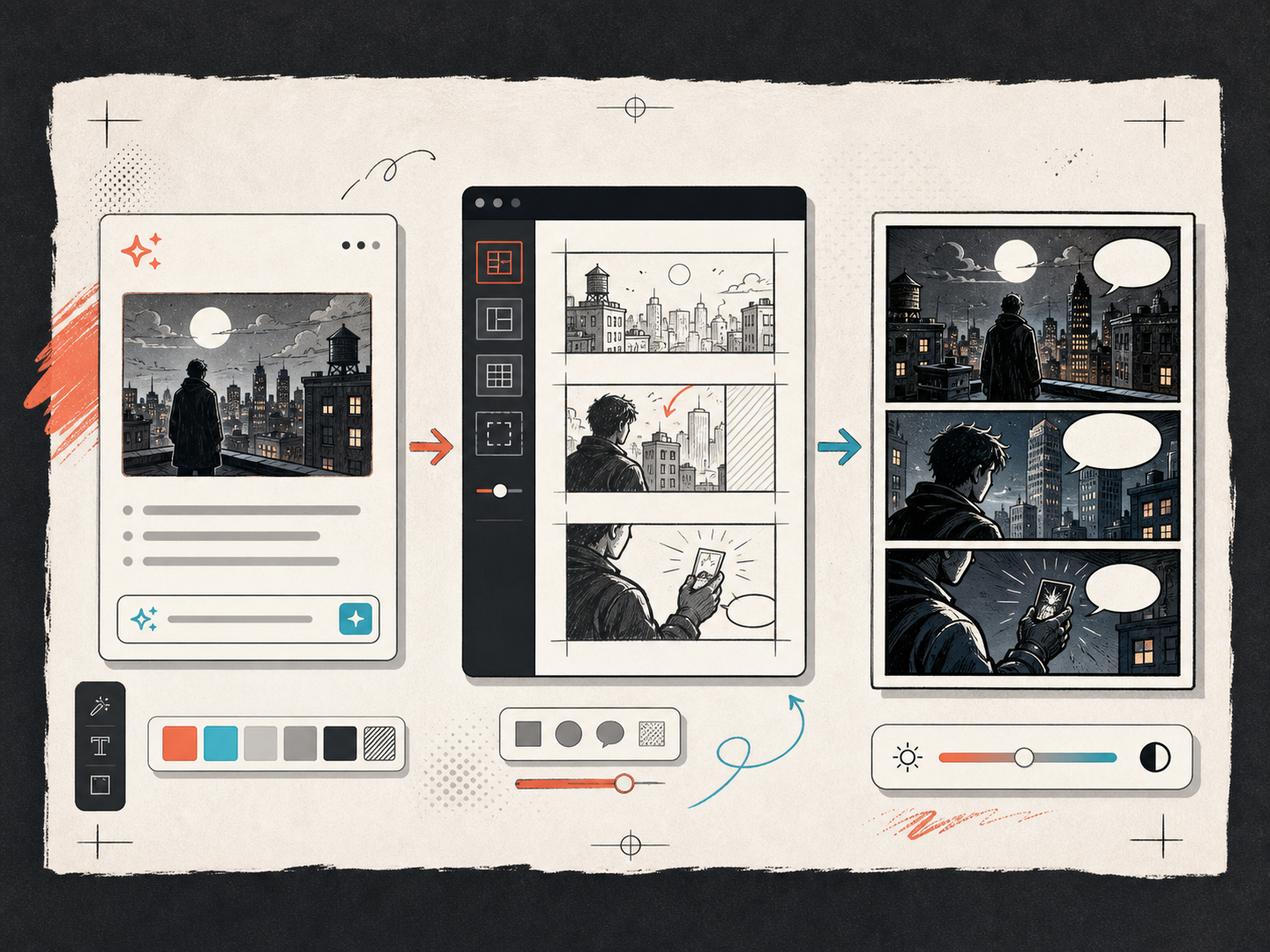
Keep the look consistent enough to continue.
Use style notes and character details so each panel feels like part of the same world.
Lock visual direction
Reuse character and environment notes
Export drafts that teams can understand
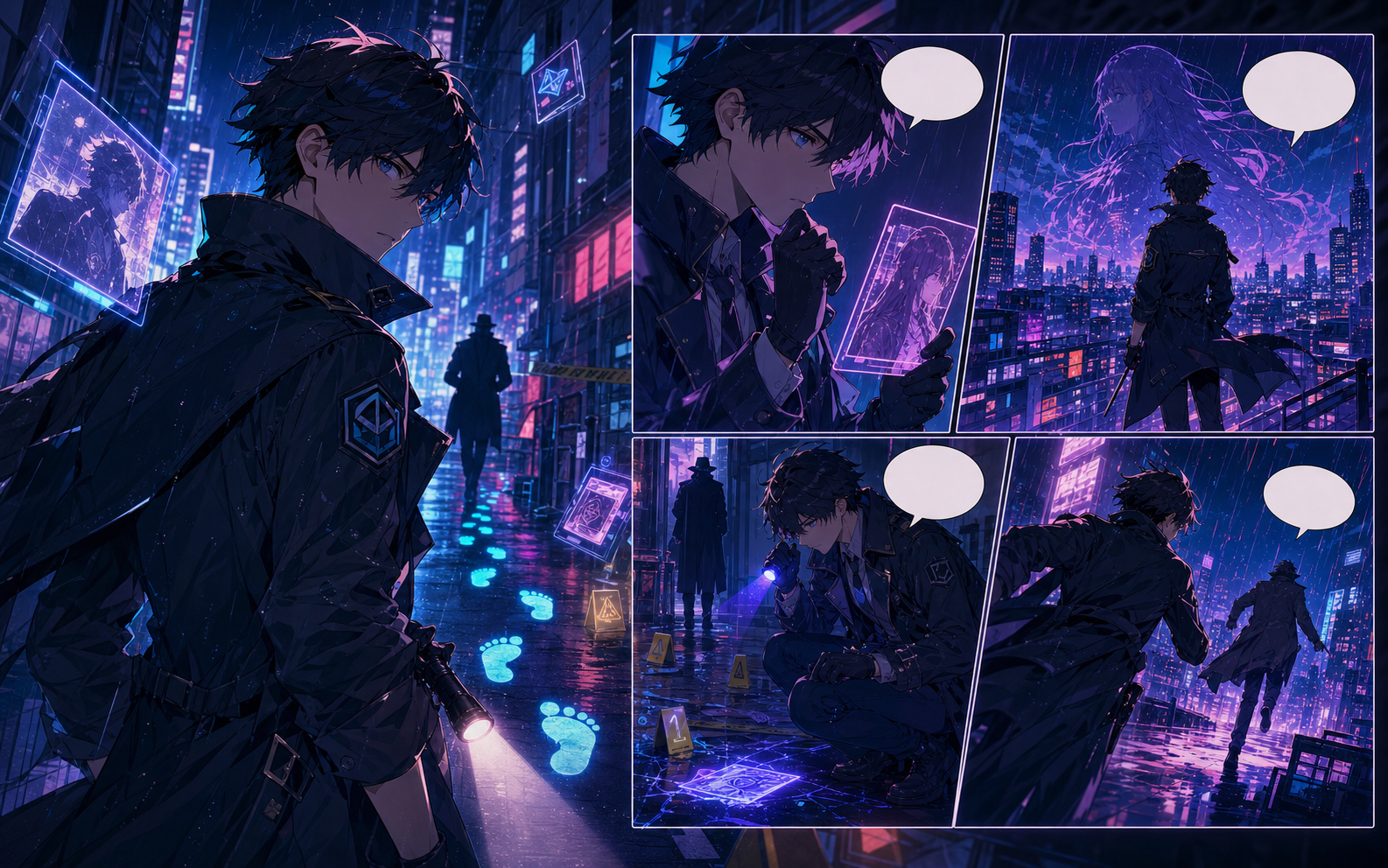
Use
Make comic drafts for ideas people need to grasp quickly.
Explain lessons, pitch campaigns, storyboard product moments, or turn articles into memorable scenes.
For creators building repeatable formats
For educators making lessons visual
For teams testing product storytelling
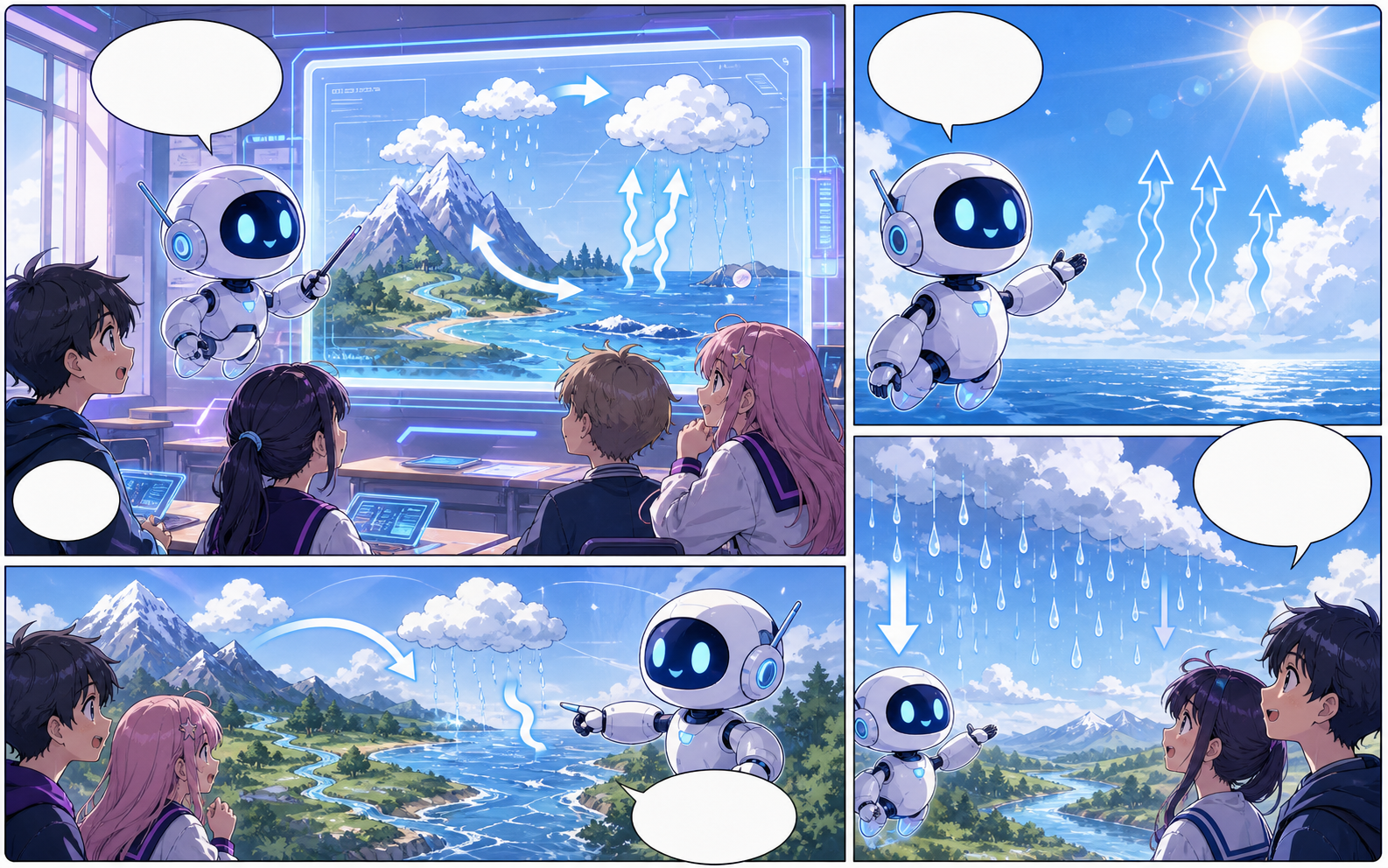
ราคา
Start small, then upgrade when production becomes real.
Free is for exploration. Paid plans add more credits, cleaner exports, private projects, and repeatable production.
Compare plansพร้อม
Make the first draft before the idea cools off.
Open the studio and start with one scene. A few clear panels and the right words can already be useful.